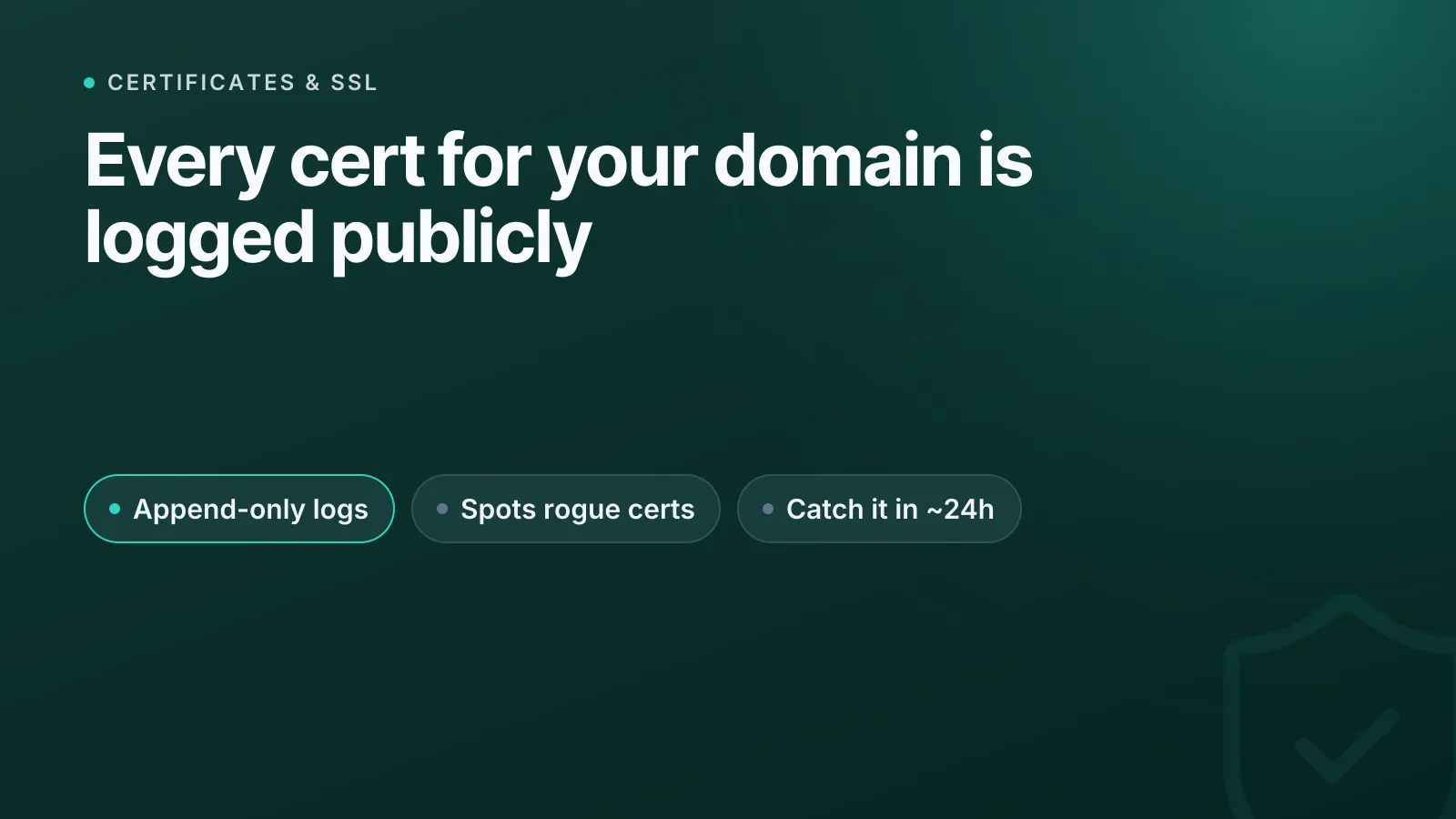
Certificate Transparency (CT) is a public, tamper-evident logging system that records every publicly trusted TLS certificate as it's issued, so anyone — including you — can audit whether a certificate for your domain was created without your knowledge. It doesn't stop a rogue or compromised certificate authority (CA) from issuing a bad certificate, but it makes that misissuance visible almost immediately instead of staying hidden for months.
If you've never checked CT logs for your own domains, you're relying entirely on your CA to behave correctly and never get breached. CT gives you an independent way to verify that.
What is Certificate Transparency, exactly?
CT was originally defined in RFC 6962 (2013) and later formalised as an IETF standard in RFC 9162 (Certificate Transparency Version 2.0, 2021). The core idea: CAs submit every certificate — or a "precertificate" version of it — to one or more independently operated CT logs before or at issuance.
Each log is an append-only, cryptographically verifiable Merkle tree. Once an entry is added, it can't be edited or quietly deleted without breaking the tree's mathematical proof, and anyone running a monitor can detect that tampering. This is what makes CT logs trustworthy even though anyone can submit to them and log operators aren't CAs themselves.
Three roles make the system work:
- Logs — servers that accept submissions and return a proof of inclusion.
- Monitors — services (or scripts) that watch logs for certificates matching domains they care about.
- Auditors — clients (often built into browsers) that verify a log's Merkle tree is internally consistent and hasn't been altered.
What is an SCT and why does it matter?
When a log accepts a certificate, it returns a Signed Certificate Timestamp (SCT) — a cryptographic promise that the certificate will appear in the log within a defined Maximum Merge Delay (MMD), historically around 24 hours. The SCT can be delivered three ways: embedded directly in the final certificate, sent over a TLS extension during the handshake, or stapled via OCSP.
Modern browsers require a minimum number of valid SCTs from logs run by different, independent operators before they'll trust a publicly issued certificate. Chrome has enforced CT compliance for all publicly trusted certificates issued since 30 April 2018 — a certificate without qualifying SCTs simply won't be trusted, regardless of who signed it.
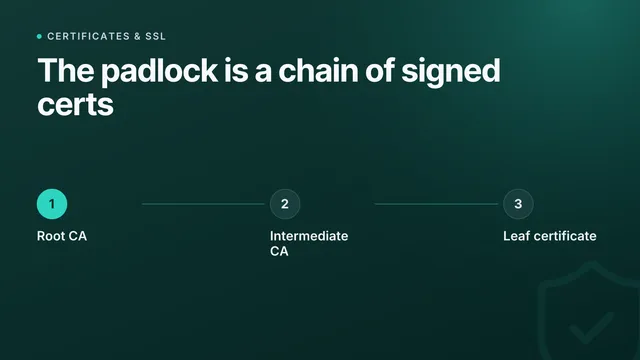
NoteCT doesn't replace the certificate chain of trust — it sits alongside it. For a refresher on how that chain actually works, see SSL certificates explained.
What CT logs are actually good for
The practical value for anyone running infrastructure isn't the cryptography — it's the visibility. CT logs let you:
- Spot unauthorised certificates issued for your domain or subdomains by a CA you never used.
- Catch shadow subdomains — CT search often reveals forgotten staging, test, or internal hostnames that were quietly issued a public certificate.
- Audit CA behaviour after a breach or misissuance incident becomes public, by searching logs for affected certificates tied to your domains.
- Detect wildcard abuse, where a wildcard certificate for your domain shows up from a source you don't recognise.
This matters more for multi-team organisations and agencies managing many domains across different registrars and clouds, where a developer might request a certificate through an unapproved provider without anyone else noticing.
How do you actually check CT logs?
You don't need to run your own log monitor to get value from CT. A few practical options:
- Search public CT log aggregators (crt.sh and similar services) for your domain to see every certificate ever logged against it.
- Inspect a live certificate's SCTs directly with our SSL check tool — it shows you the certificate chain and validity so you can confirm what's actually being served in production.
- Set up ongoing monitoring so you're alerted the moment a new certificate for your domain appears, rather than checking manually every so often.
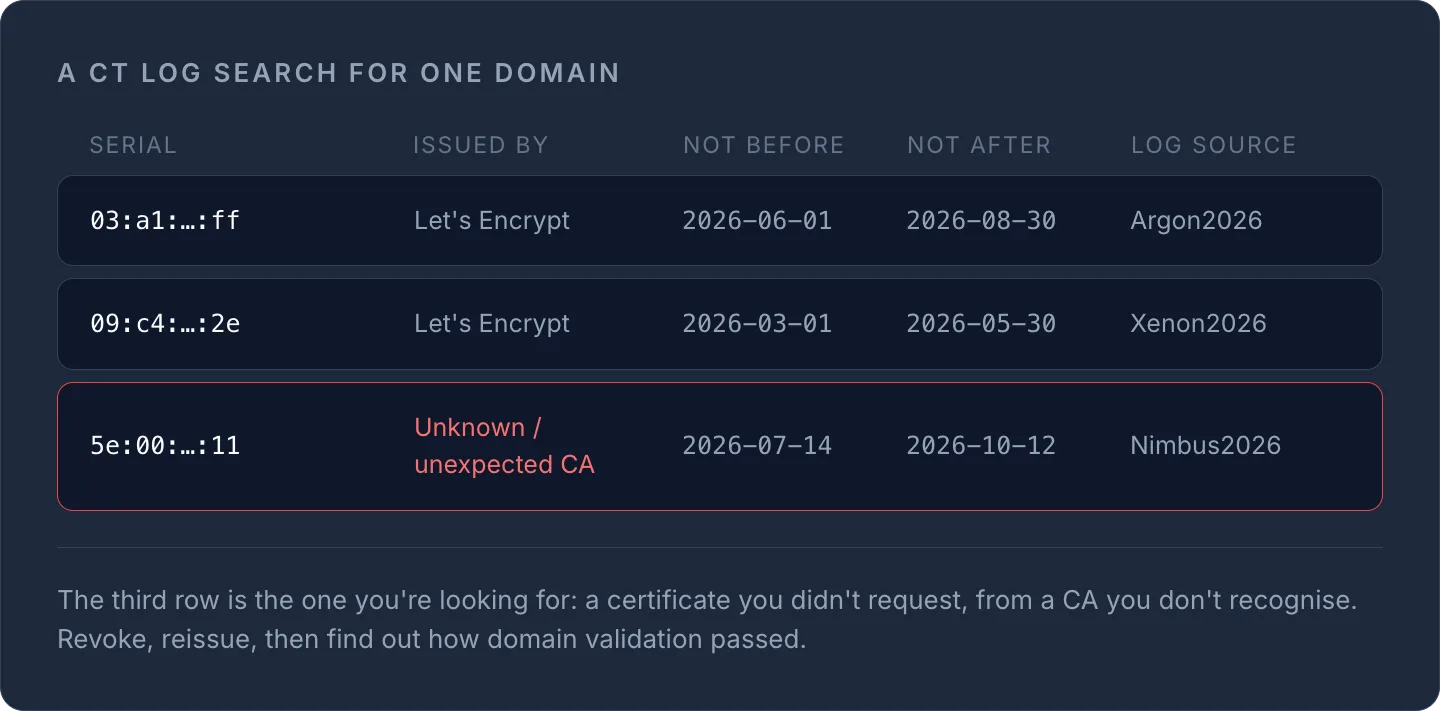
Here's a simplified example of what a CT log search result looks like for a domain:
| Certificate serial | Issued by | Not before | Not after | Log source |
|---|---|---|---|---|
| 03:a1:...:ff | Let's Encrypt | 2026-06-01 | 2026-08-30 | Argon2026 |
| 09:c4:...:2e | Let's Encrypt | 2026-03-01 | 2026-05-30 | Xenon2026 |
| 5e:00:...:11 | Unknown / unexpected CA | 2026-07-14 | 2026-10-12 | Nimbus2026 |
That third row is exactly what you're looking for: a certificate you didn't request, from a CA you don't recognise. If you see that for a domain you control, revoke and reissue immediately, and investigate how the requesting party got domain validation to pass.
TipIf you manage certificates across multiple providers, pair CT log checks with active expiry monitoring — see Certificate management for tracking renewal dates and chain health from one dashboard instead of per-provider consoles.
Does CT stop certificate misissuance?
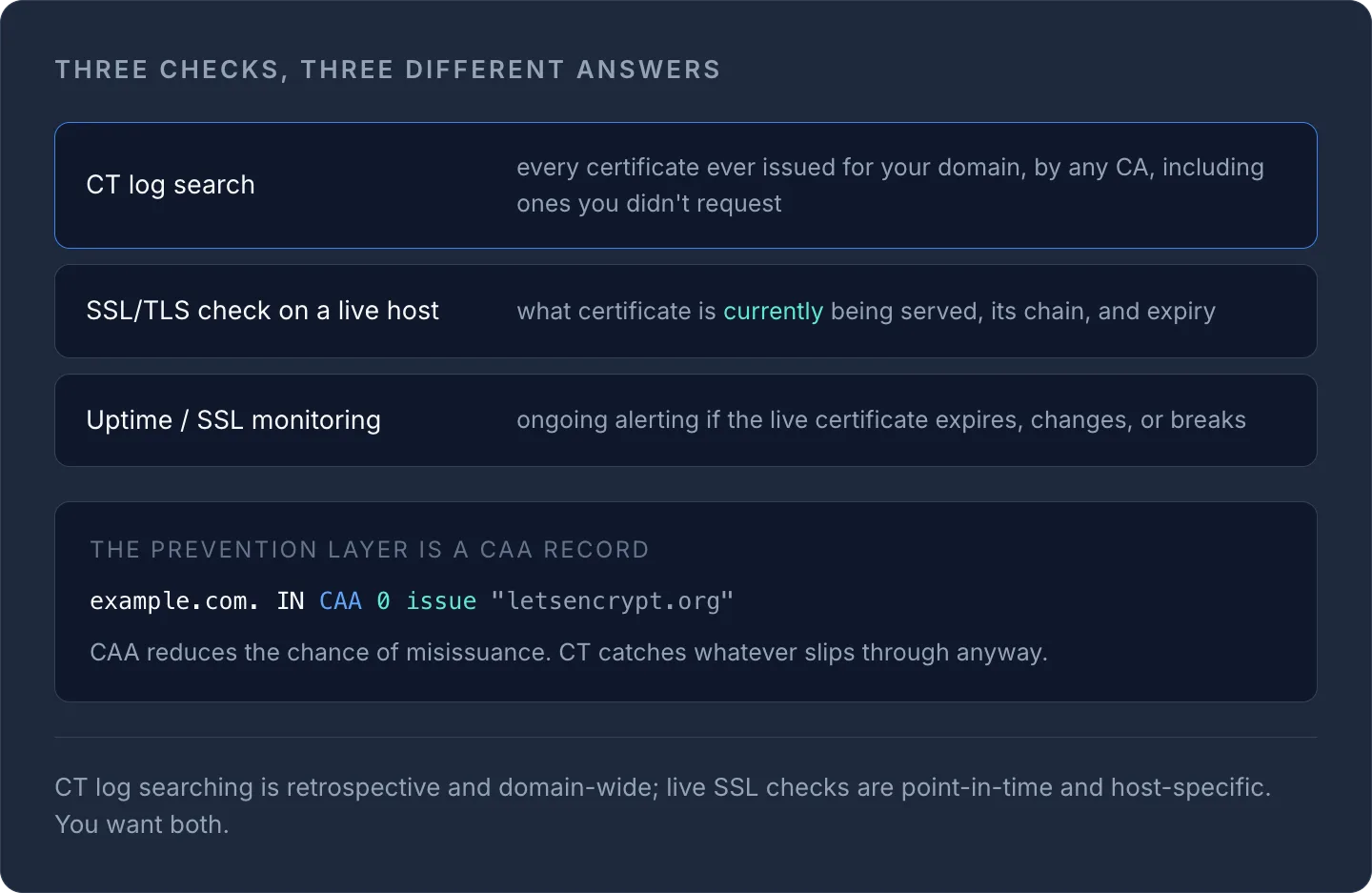
No — and this is the part people misunderstand most often. CT is detective, not preventive. A malicious or compromised CA can still issue a bad certificate; CT just guarantees that issuance becomes publicly visible, usually within about 24 hours (the MMD), rather than staying hidden indefinitely. The actual prevention layer is CAA records, which tell CAs which of them are authorised to issue for your domain in the first place. If you haven't set those, that's a bigger and cheaper win than CT monitoring alone — see the DNS record types guide for CAA syntax.
Used together, CAA reduces the chance of misissuance and CT log monitoring catches anything that slips through anyway. Neither one alone is a complete answer.
CT logs vs. general SSL monitoring
It's worth being clear about what each layer actually tells you:
| Check | What it proves |
|---|---|
| CT log search | Every certificate ever issued for your domain, by any CA, including ones you didn't request |
| SSL/TLS check on a live host | What certificate is currently being served, its chain, and expiry |
| Uptime/SSL monitoring | Ongoing alerting if the live certificate expires, changes, or breaks |
CT log searching is retrospective and domain-wide; live SSL checks are point-in-time and host-specific. You want both. For the monitoring side, website monitoring explained covers how uptime and SSL expiry checks fit together.
Getting started with CT oversight
If you manage more than a handful of domains, a manual crt.sh search once a quarter isn't enough — certificates get issued continuously, and a malicious one can be live for months before someone notices. The realistic approach is: know which CAs you actually use, watch for anything outside that list, and keep certificate expiry and chain health under active monitoring rather than checking reactively after something breaks.
Run a quick check on any domain right now with the free SSL check tool, or bring certificate tracking across every provider into InfraNest's certificate management so you're not relying on memory to catch what CT logs already know.
Frequently asked questions
#Is Certificate Transparency the same as HTTPS?
No. HTTPS is the encrypted connection protocol; Certificate Transparency is a separate public logging system that records every publicly trusted certificate issued, so misissuance can be detected. A site can use HTTPS with a certificate that also happens to be logged in CT — the two work together but aren't the same thing.
#Do all certificates have to be logged in CT?
Publicly trusted certificates from browser-trusted CAs effectively must comply with CT policy to be accepted by major browsers like Chrome, which has required CT compliance for all publicly issued certificates since April 2018. Private/internal CAs used for internal-only systems aren't subject to the same browser enforcement.
#How often should I check CT logs for my domains?
Continuous or automated monitoring is far more reliable than manual checks, since certificates can be issued at any time. If manual checking is your only option, review at minimum monthly, and immediately after any CA-related security incident you hear about publicly.
Try it with a free tool
Was this article helpful?