

Free tool
SPF Checker
Read a domain’s SPF record, follow every include the way a receiving server does, and see what the policy costs against the ten-lookup limit.
Check the whole domain at once: website, SSL, DNS and email →
Go beyond this tool. Manage DNS across every provider — in one dashboard.
Get started free →SPF tells receiving servers which machines may send email for your domain. The rule that catches people out is not the syntax — it is the budget: a receiver will spend at most ten DNS lookups deciding whether a message passes, and every include you delegate to spends from the same ten.
Go over, and the result is not a weaker policy but no policy: receivers return a permanent error and treat the domain as though it published nothing. Because the includes belong to other companies, a record that was fine for years can cross the line on a day you changed nothing. This tool follows the whole tree, attributes the cost to each sender, and says which one to deal with first.
Email security, watched rather than remembered
InfraNest checks SPF, DKIM and DMARC on every domain you manage, and its email-security template writes all three with a diff preview before anything is applied.
- SPF, DKIM & DMARC checked on every zone
- One-click email-security template
- Diff preview before you apply
- Alerts when a record changes or breaks
Frequently asked questions
#What is the SPF ten-lookup limit?
RFC 7208 allows a receiving server ten DNS lookups to evaluate a policy. Every include, a, mx, ptr, exists and redirect costs one, and the includes you delegate to spend from the same budget. Exceed it and evaluation stops with a permanent error.
#What actually happens if I go over?
Receivers treat a permerror as though the domain had no SPF record at all. The record can name every one of your senders correctly and still protect nothing — which is why this is worth measuring rather than assuming.
#My record has not changed. Why is it over the limit now?
Because most of the cost is not yours. An include hands the count to somebody else’s record, and when that provider adds a sender, your total goes up without anything changing on your side.
#How do I get back under the limit?
Replace the heaviest includes with the ip4 and ip6 ranges they resolve to, since address mechanisms cost nothing. Remove providers you no longer send through — a dead include still costs a lookup. Where a provider offers a lighter include, use it.
#Should the record end in ~all or -all?
Start at ~all (softfail) while you confirm every legitimate sender is listed, then tighten to -all once your DMARC reports are clean. Never +all: it authorises the entire internet to send as your domain.
#Is SPF enough on its own?
No. SPF says who may send; DMARC is what tells receivers to act when a check fails, and what sends you reports about who is sending as your domain. SPF without DMARC usually costs a forger nothing.
From the blog
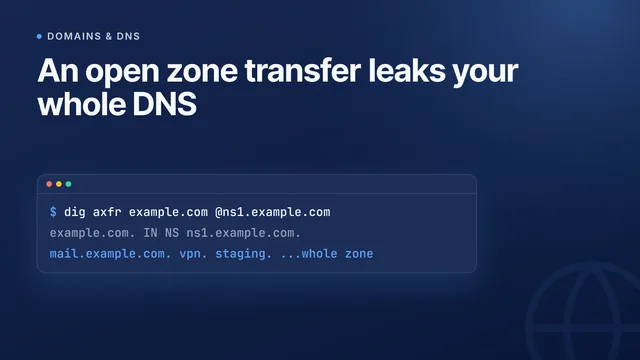
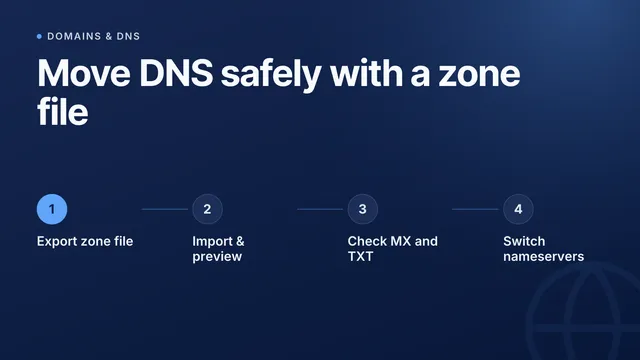
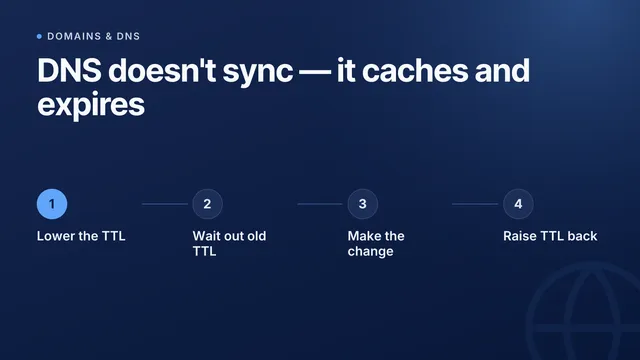
New guides on DNS and email deliverability
I’d like to receive product updates and new articles from InfraNest by email. I can unsubscribe at any time.
More free tools
One lookup is a snapshot
InfraNest keeps checking — across every domain you own — and tells you when the answer changes instead of when a customer does.
Free plan · No credit card required · Set up in minutes