

Manage the registrant, admin and technical contact details used for your domains, all from one place.
#Overview
- Your contact book stores contact details for domain registrants, admins and technical contacts.
- Enter details once and reuse them across all your domains — no need to retype anything.
- Contacts are shared across your workspace, so your whole team works from the same records.
#Add a contact
- Go to Contacts.
- Select Add contact and enter the details registrars need: Name, Company, VAT number and company registration number (Chamber of Commerce / KvK) where relevant, plus email, Phone and full address.
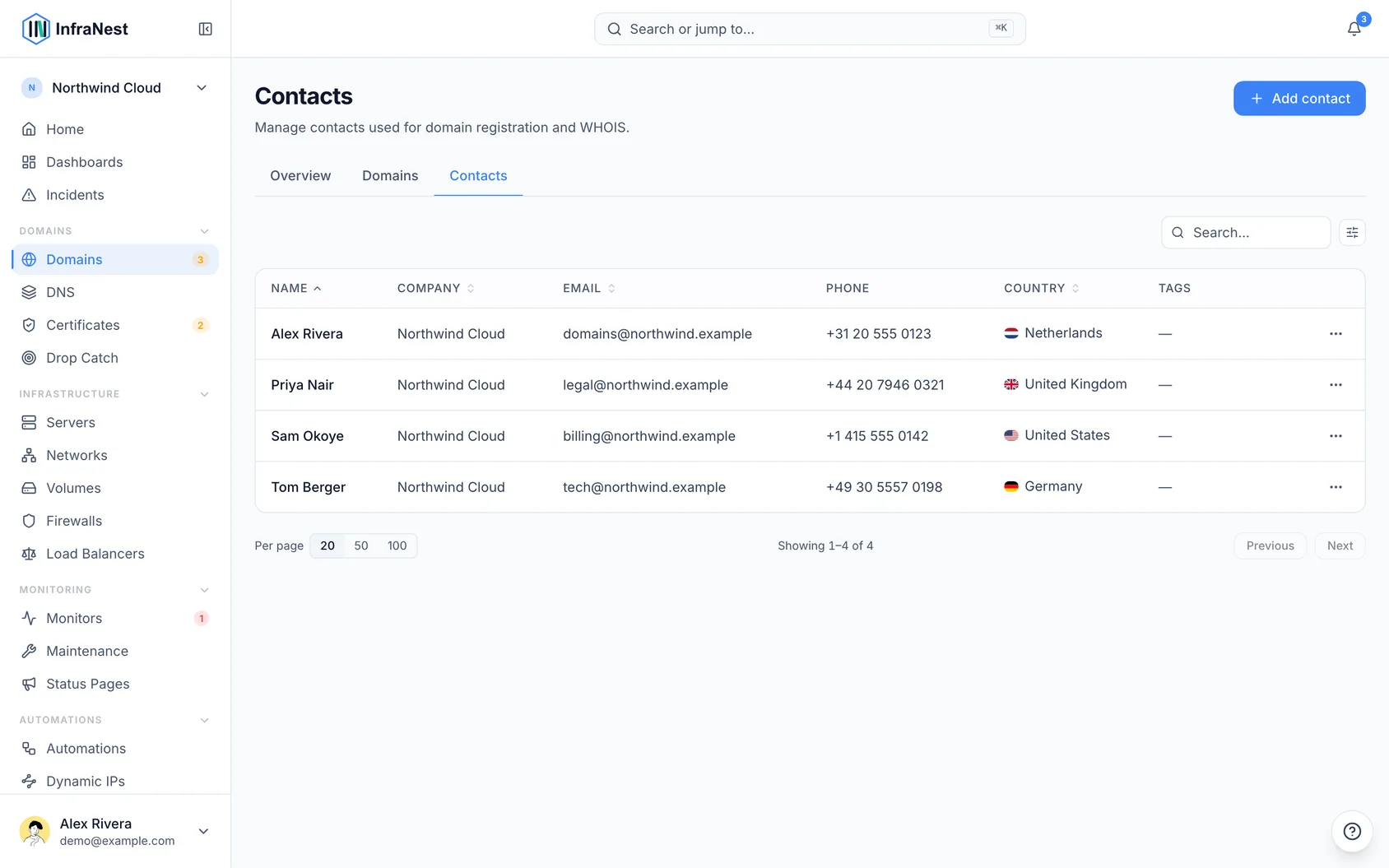
- Select Save. The contact is now available whenever you register, transfer or update a domain.
#Use a contact on a domain
- Open the domain's page from Domains.
- Set the registrant, admin and technical contacts from your contact book.
- Select Save changes. Where the registrar supports it, the change is pushed to the registrar automatically; otherwise it's kept in InfraNest.
#Tips
NoteInfraNest formats phone numbers the way each registrar expects, so you don't have to worry about the format yourself.
NoteSome registrars, including GoDaddy, only accept plain English letters in an address — this matches what the domain registries themselves store. Write your address the way it's really spelled (for example
Münchenor's-Hertogenbosch); InfraNest automatically sends the plain-letter version to the registrar (Munchen,'s-Hertogenbosch) while keeping the original spelling on your contact. If an address uses an alphabet with no Latin spelling, it's sent exactly as typed, and the registrar will let you know if it can't accept it.
Was this article helpful?
Thanks for your feedback!
Thanks, this goes straight to the docs team.