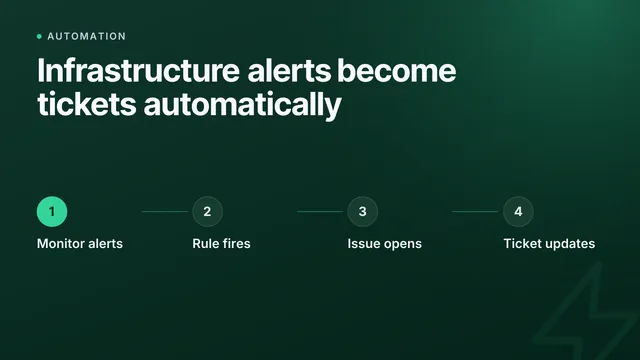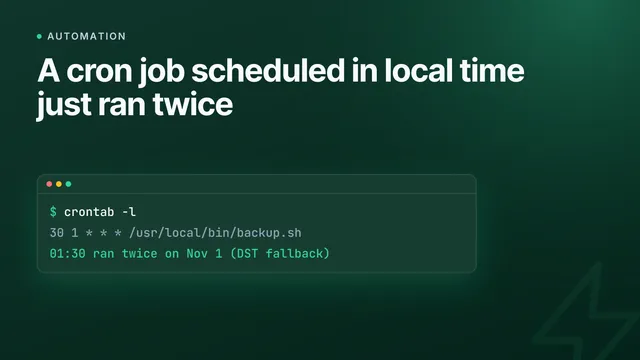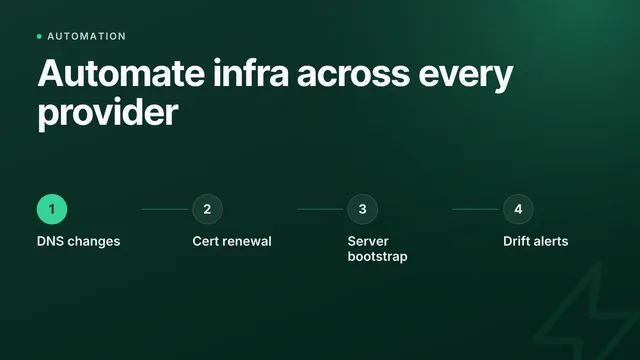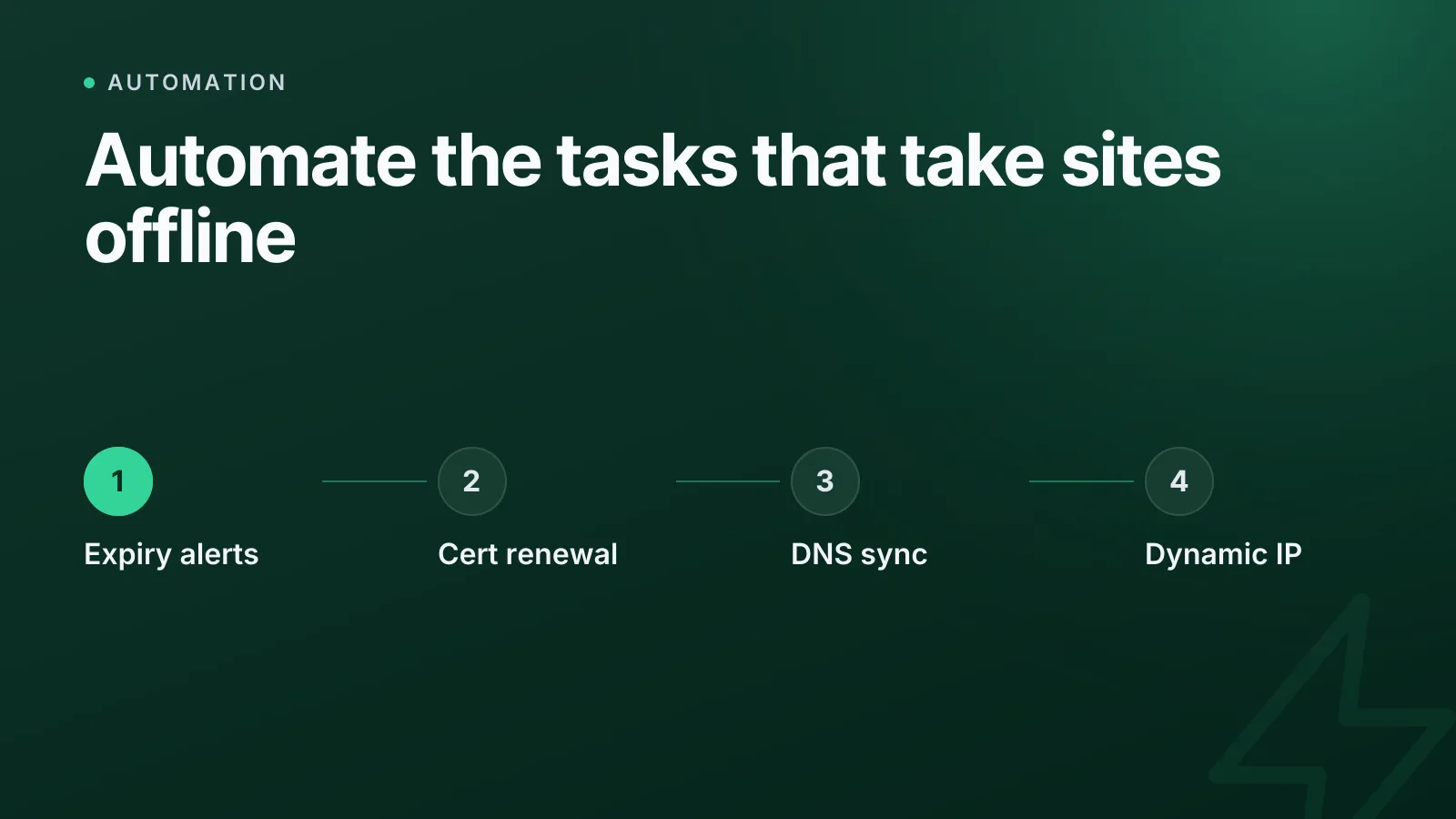
If you're deciding what to automate first, start with the tasks that are both frequent and high-consequence when missed: certificate renewals, DNS record sync across providers, expiry alerts, and dynamic IP updates. These four cover the failure modes that actually take sites offline — expired certs, stale DNS, missed renewal deadlines, and unreachable servers behind a changing home or office IP.
Most teams don't lack automation tools. They lack a priority order. You can't automate everything on day one, so the question is which manual task is most likely to cause an outage, a security warning, or a support ticket next month — and fix that first.
Which infrastructure tasks should you automate first?
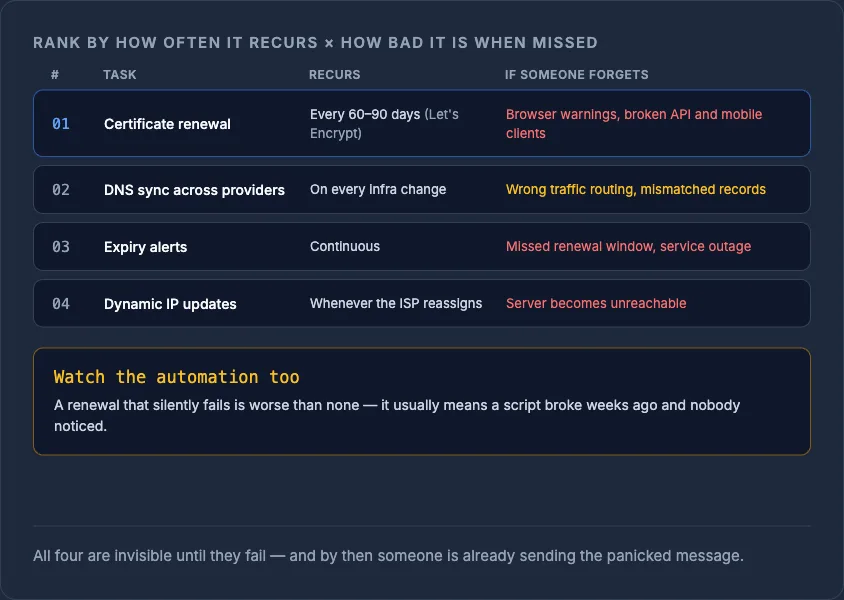
Rank tasks by two factors: how often the task recurs, and how bad the outcome is if someone forgets it. A task that happens weekly and causes downtime when missed outranks something that happens yearly with a minor cosmetic impact.
| Task | Recurrence | Consequence of missing it | Priority |
|---|---|---|---|
| Certificate renewal | Every 60-90 days (Let's Encrypt) | Browser warnings, broken API/mobile clients | 1 |
| DNS record sync across providers | On every infra change | Wrong traffic routing, mismatched records | 2 |
| Expiry alerts (domains, certs) | Continuous | Missed renewal window, service outage | 3 |
| Dynamic IP updates | Whenever ISP reassigns an address | Server becomes unreachable | 4 |
The pattern across all four: they're invisible until they fail, and by the time they fail, someone is already firing off a panicked message.
Why certificate renewal comes first
Let's Encrypt certificates are valid for 90 days by design — short enough that manual renewal is not a realistic long-term plan. Certificate issuance and renewal is standardised under the ACME protocol (RFC 8555), which is exactly why tools like Certbot and cert-manager exist: to remove the human from a task that has to happen roughly four times a year, forever, across every domain you run.
Miss a renewal and visitors see "Not Secure" or outright connection errors, and API clients with certificate pinning can fail hard. If you're still deciding between manual and managed certificates, Let's Encrypt vs commercial SSL certificates covers the tradeoffs — but regardless of which you choose, renewal itself should never be a calendar reminder. InfraNest's certificate management tracks expiry across every provider and handles renewal so it stops depending on someone remembering.
WarningA certificate that silently fails to renew is worse than one that never existed — it usually means an automation script broke weeks ago and nobody noticed until the outage.
DNS sync: why manual multi-provider DNS breaks first
If you run infrastructure across more than one registrar or cloud provider, DNS drift is almost guaranteed the moment a human edits records by hand in two places. A server gets rebuilt, someone updates the A record on the new host's dashboard, and forgets the secondary DNS provider still points at the old IP.
Automating DNS sync means every change — new server, new subdomain, decommissioned service — propagates to every authoritative source from one place, instead of being copied manually across consoles. This is also where configuration drift creeps in silently; see infrastructure drift explained for how small manual edits compound over time. InfraNest's DNS management keeps records consistent across providers and gives you one place to make the change instead of several.
A simple example of what you're replacing: a manual UPDATE A record click in a registrar's UI becomes a single API call or dashboard action that pushes to every configured provider:
curl -X PATCH https://api.example.com/dns/zones/example.com/records/A \
  -H "Authorization: Bearer $TOKEN" \
  -d '{"name": "app", "value": "203.0.113.42", "ttl": 300}'
One call, not five browser tabs.
Expiry alerts: the cheapest automation with the biggest payoff
Domain and certificate expiry alerts are the lowest-effort automation on this list and arguably the highest return. A missed domain renewal can mean losing the domain entirely to drop-catching services — see how to catch an expiring domain for how fast that can happen once a domain lapses.
Automated alerts don't need to be sophisticated. They need to fire early enough (30, 14, and 7 days out is a sane default) and go somewhere a human actually checks — not a mailbox nobody reads. Monitoring that tracks both uptime and certificate/domain expiry in one place removes the need to maintain a separate spreadsheet of renewal dates.
Dynamic IP: the automation people forget until it bites
If any part of your infrastructure runs behind a connection with a non-static IP address — a home lab, a branch office VPN endpoint, a self-hosted service without a cloud provider's fixed IP — that address will change without warning. Dynamic DNS (DDNS), standardised in RFC 2136 for automated DNS updates, exists precisely so a script or agent updates the relevant record the moment the IP changes, instead of a person noticing the service is unreachable and manually looking up the new address.
TipTest your dynamic IP automation by forcing a lease renewal or restarting the router, not by waiting for it to happen naturally — you want to find a broken update script on your schedule, not the ISP's.
InfraNest's dynamic IP handles this detection-and-update loop automatically, so a changed address updates the right DNS record without anyone needing to check.
How to sequence the rollout
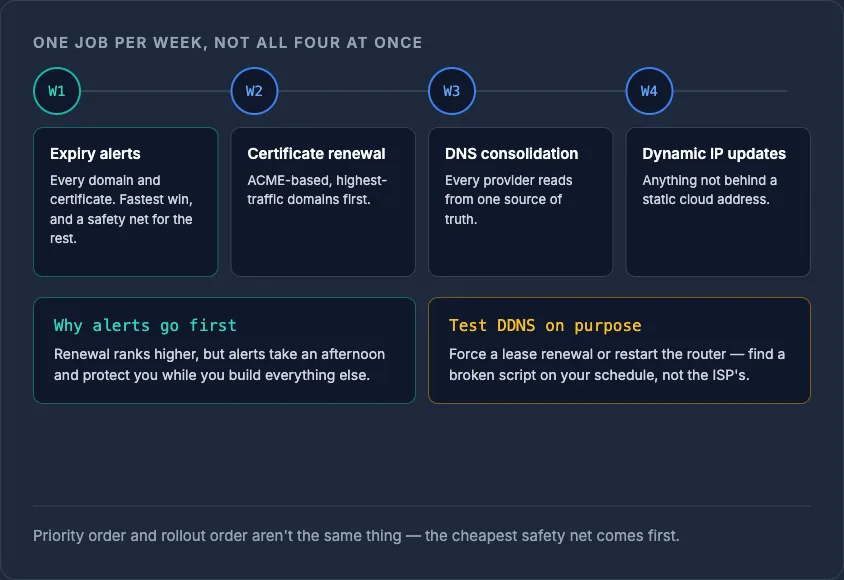
Don't try to automate all four at once. A practical order:
- Week 1: Set up expiry alerts for every domain and certificate you own — it's the fastest win and buys you a safety net while you automate the rest.
- Week 2: Automate certificate renewal (ACME-based, e.g. Certbot or a managed service) for your highest-traffic domains first.
- Week 3: Consolidate DNS management so every provider reads from one source of truth instead of manual per-console edits.
- Week 4: Add dynamic IP updates for anything not sitting behind a static cloud address.
For a broader look at automating DNS, SSL and server provisioning together, see how to automate DNS, SSL and server tasks across every provider.
Start with a single dashboard view of what's expiring and what's drifting — check your current setup with the free DNS lookup tool or explore InfraNest's monitoring to see what needs automating first.
Frequently asked questions
#What's the single highest-priority infrastructure task to automate?
Certificate renewal, because it recurs every 60-90 days with Let's Encrypt and causes an immediate, visible outage (browser warnings or failed API calls) when missed.
#Is it worth automating tasks that only happen once a year, like domain renewal?
Yes, but as an alert rather than a full automation — an expiry alert 30 days out is cheap to set up and prevents the much costlier scenario of losing a domain to a drop-catcher.
#Do I need dynamic IP automation if my servers are on cloud providers with static IPs?
Usually not for the cloud servers themselves, but it still matters for any self-hosted service, VPN endpoint, or home/office connection that sits behind a residential or non-static IP.
#Can I automate DNS sync without switching registrars?
Yes — DNS sync tools work by pushing consistent records to whichever providers you already use via their APIs, so you don't need to consolidate registrars, just the management layer above them.
Was this article helpful?