

Keep an eye on a domain you don't own yet, so InfraNest can tell you — or try to grab it for you — the moment it becomes free.
#Overview
- Add any domain to your watch list and InfraNest tracks it as it moves toward expiry.
- You'll see what's known about each name before you save, including whether it's safe to watch, a trademark risk, or already yours.
- Each watch shows a live countdown, its chances of being caught, and a plain-language quality check on the name itself.
#Add watches
- Go to Drop Catch and click Watch domain.
- Type or paste the domains, one per line or as a list — up to 100 at once. InfraNest splits each one into the name and ending for you.
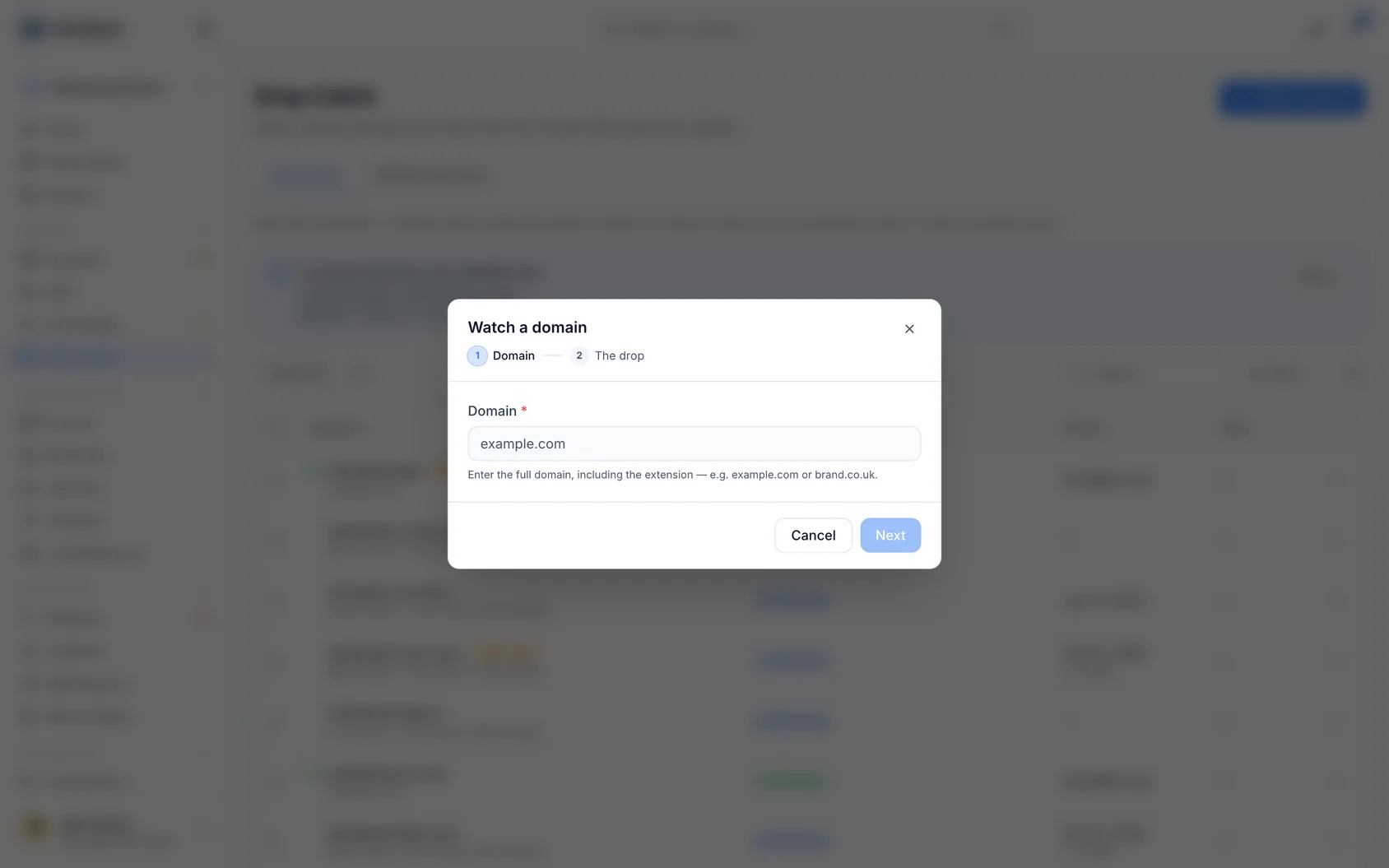
Before you save, each name says what InfraNest already knows about it:
- Good to watch — it will be checked straight from its registry.
- Estimate only — the ending can only be checked through WHOIS, so its drop date will be an estimate.
- Trademark — the name contains a well-known brand. Brand owners usually defend these, and registering one can be a legal problem.
- Already watched — skipped; you are watching it already.
- Already yours — it is in your portfolio, so it starts unticked. Turning on auto-renew is usually the better fix, because then it never drops. You can still tick it if you want a watch as a safety net.
If an ending isn't a real one, the name is marked No such extension —
.mailand.conlook like typos for.combut no registry will ever release them. Endings with accents or in another script (.рф,.中国) are real and are accepted.Choose what happens when one is free for the whole list, and add optional tags. You can change how each domain is caught later, on its own page.
The footer shows how many watches you will have after saving, against your plan's limit. A list that does not fit is not saved at all — untick some names or upgrade.
NoteInfraNest checks a watch rarely when the drop is far off, and by the minute as it gets close.
#Follow a watch
Open a watch to see, on its Overview:
- The answer first — when it drops, who registers it, your chances, and whether everything is ready, with a countdown to the drop.
- On its way to the drop — its stages (expired, grace period, redemption, pending delete, the drop window), dated, and whether the registry published those dates or they are our estimate. Underneath, one line says why we think the owner let it go: the website went down, the registration was not renewed, the name moved to a parking page.
- What happens at the drop — the catch step by step, in the order it runs, with clock times when the registry publishes the drop time: the last readiness check, fast checking, your registrar confirming the name's live price, the registration at its standard price, the backup, and the message you get. On the Free plan it starts with Until then — We keep watch.
- Ready for the drop — see Catch a dropping domain automatically. On the Free plan, where you register the name yourself, this is Be ready to register it yourself, with Let us register it for you and Your alerts so far beside it.
- Who hears about it — the people and destinations this watch tells, or your workspace's alert routing. See Catch a dropping domain automatically to choose them.
- Why a good chance (or a fair or slim one) — the reasons behind your chances, in plain words. At the bottom, Watching tells you we are on it; hover over it to see when we last checked. It also tells you when you need to do something: connect a registrar that sells the extension, or, if we cannot reach the registry while the name is dropping, Try to register it now.
- Is it a good name? — one sentence first, then what the name was (the years it was a real website, when it was first registered), whether it had visitors, the name itself (its length, and a hyphen or digits that make it harder to say), whether anyone reported it for scams or viruses, whether it is on a spam list, and whether it contains a famous brand. Sources and licences at the bottom says where each fact comes from, and See the old site opens its saved copies on the Wayback Machine. InfraNest never puts a money value on a domain, and a brand check is a pointer, not legal advice.
The Activity tab lists what the registry did and what we did about it. The Registry record tab shows the record the details above were read from, with when it was read — so if something looks out of date, Check now refreshes both together.
TipUse Check now on a watch any time to refresh everything immediately, rather than waiting for the next scheduled check.
#Tips
- Want the domain registered the moment it's free, automatically? See Catch a dropping domain automatically.
- If a domain is already yours, turning on auto-renew is usually a better fix than a watch — it means the domain never drops in the first place.
Was this article helpful?
Thanks for your feedback!
Thanks, this goes straight to the docs team.