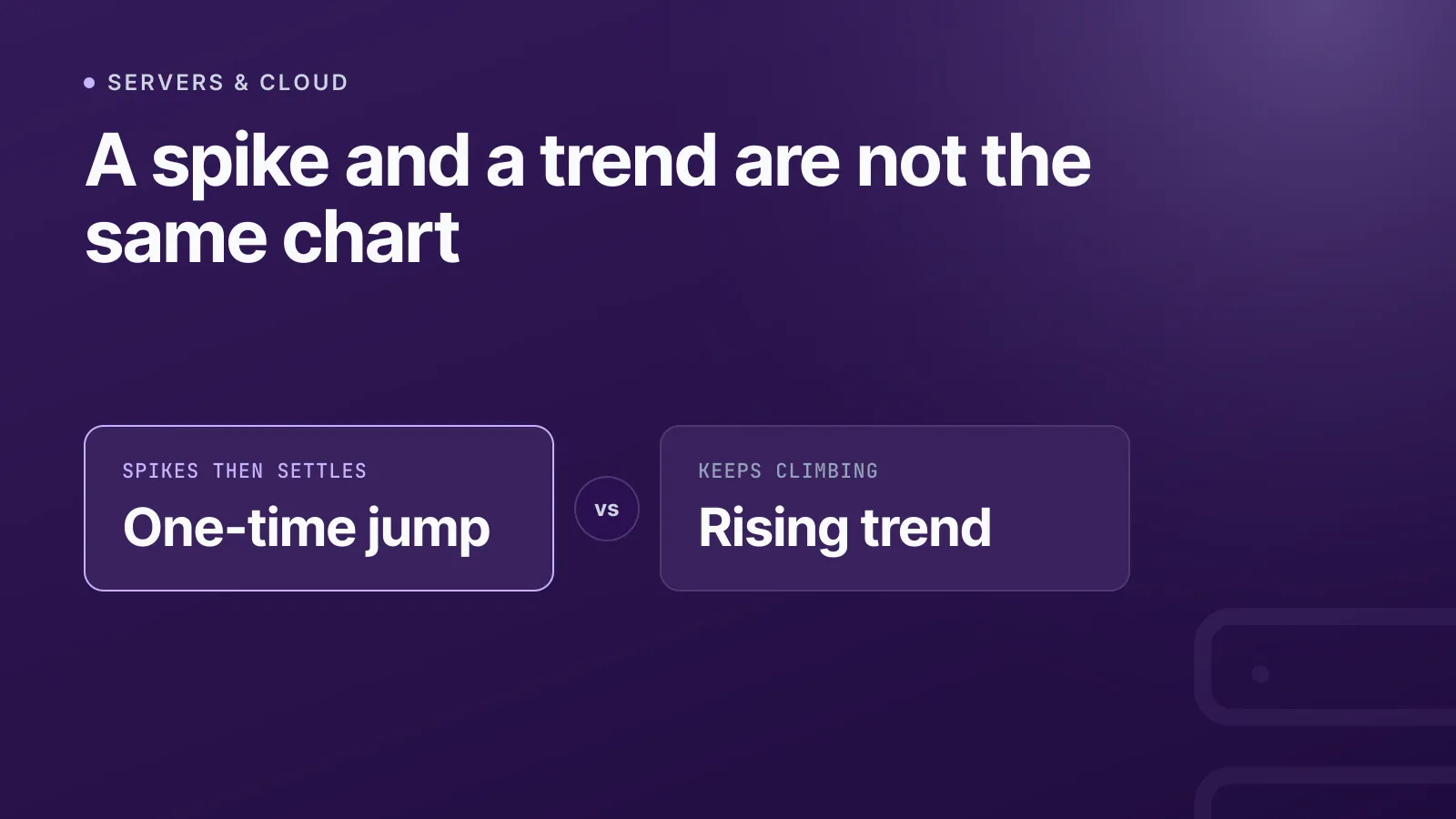
A disk at 87% is one reading. It does not tell you whether usage has been around that level for months or is rising toward full. Those situations call for different responses: one may need no action, while the other may call for a plan.
Reading server metrics well means distinguishing a one-off jump from a sustained rise. A single value gives you a snapshot; a series of readings gives you a way to judge what is changing.
Monitoring systems use different techniques for different problems: smoothing, statistical checks, or requiring a condition to persist before alerting. InfraNest uses recent readings to estimate whether selected server metrics are rising toward a meaningful limit—and, when the data supports it, roughly how long remains.
Why one reading can’t tell you much
A single measurement at one instant is called a singleton in the measurement framework described by RFC 2330. It can tell you what the metric was at that moment, but not whether it is stable or changing. For that, you need readings over time.
This matters for counters too. A counter generally increases until it resets, so its raw value is rarely the useful quantity. Prometheus uses functions such as rate() or increase() to estimate how much a counter changes over a time window. Gauges, such as free disk space, can move both up and down; for those, a gauge-oriented function such as deriv() is more appropriate.
Different tools answer different questions
This problem is old, but there is no single technique that separates every jump from every trend. Monitoring systems use different methods depending on what they measure and what they need to decide.
| Technique | What it helps with | How |
|---|---|---|
| Unix load average | How system load changes over time | Reports exponentially damped averages over 1, 5 and 15 minutes. These measure runnable or uninterruptible tasks—not CPU percentage—and the shorter average responds more quickly to recent changes. |
| CloudWatch “Datapoints to Alarm” | Whether a metric breached repeatedly | Requires a configured number of breaching data points within a set number of evaluation periods, such as 3 out of 5. |
Prometheus rate() and irate() |
How quickly a counter is increasing | rate() estimates the average per-second increase over a window; irate() uses the latest two samples and reacts more quickly to recent changes. |
Prometheus for clause |
Whether an alert condition persists | Delays firing until the condition has remained active for the configured duration. |
| Statistical process-control rules | Whether a process may have shifted or drifted | Control-chart rules look for unusual points or patterns relative to a process baseline. The rules depend on the method; they are not a universal definition of a trend. |
| SRE multi-window burn-rate alerts | Whether an error budget is being consumed too quickly | Combines short and long windows to identify different levels of SLO risk. It is designed for service reliability, not general server-capacity forecasting. |
These techniques are related, but they are not interchangeable. An alert that requires a sustained breach answers a different question from an estimate of when a rising value might reach a limit.
Prometheus example: a gauge for free disk space
node_filesystem_free_bytes is a gauge, so use deriv() to estimate how quickly free space is changing. A negative result means free space is falling:
deriv(node_filesystem_free_bytes{mountpoint="/"}[6h])
You can use predict_linear() to estimate whether free space will reach zero within the next day, and require that condition to persist before firing an alert:
- alert: DiskFillingFast
  expr: predict_linear(node_filesystem_free_bytes{mountpoint="/"}[6h], 24 * 3600) < 0
  for: 10m
predict_linear() uses linear regression. This example predicts a crossing of zero free bytes—not a user-configured disk threshold—and it is not the same calculation InfraNest uses.
Reading a fleet at a glance
A server that stays near 60% and one that had a short, high spike can have a similar average over a reporting period. Looking at the peak as well as the average helps reveal that difference.
InfraNest’s Capacity & growth report shows period peak and average figures for CPU, memory and disk, plus a small CPU sparkline to give a sense of shape. A disk estimate appears only when recent readings support one. It is a live forecast, shown for a reporting period that includes today—not a forecast for every disk or a historical month.
Before comparing figures, check how many days were measured. A server with only part of the period recorded is not directly comparable to one measured throughout. And for cyclic or irregular usage, there may not be a reliable trend to project.
How InfraNest estimates when a trend matters
On a monitored server’s page, InfraNest can show a summary such as:
Up 18d 4h, but CPU reaches its 90% alert line in about 6 days
The button takes you to the relevant chart. For disk, the estimate counts down to full. For CPU, memory and load, it counts down to an active upper-threshold alert rule. Disk is treated differently: a full disk is a capacity limit whether or not a disk alert rule is configured.
The estimate is deliberately cautious:
- It uses up to the last seven days of hourly readings; that does not mean seven full days of history are always required.
- It needs at least 12 usable readings and withholds estimates when the readings do not support a credible rising trend—for example, after a one-off jump or when the series fluctuates too much.
- CPU, memory and load estimates require an active upper-threshold rule. Disk estimates do not.
- It reports the soonest qualifying trend rather than listing a separate deadline for every metric.
- Provider-reported CPU readings can support an estimate without the agent. Memory, disk usage and load average require agent readings.
The summary itself does not fire a threshold alert or open an incident. It estimates when a rising value may reach its limit; that is not a promise of when you will be notified. Numeric alerts evaluate an average over the configured duration. Separately, a monitored disk estimated to fill within 14 days may appear in InfraNest’s attention list and digest.
The summary is useful context, not a replacement for alerting. Alerts still handle configured threshold conditions; the estimate can give you an earlier reason to investigate a possible capacity issue.
For the fleet-wide view, see the Capacity & growth report. For how thresholds are configured and evaluated, see per-server alerting rules.
Put it into practice
Set up server monitoring to collect the readings available for your servers. Provider-reported metrics can supply CPU readings where supported; install the agent to collect memory, disk usage and load average.
Frequently asked questions
#How long of a history does InfraNest need before it will show a trend line?
A server needs more than a day or two of readings before InfraNest will show an opinion. Too little history means there isn't enough data to distinguish a real trend from noise, so the line is simply left off rather than guessing.
#Does the trend line work on servers without the monitoring agent?
Yes. Servers without the agent are included for whatever readings their cloud provider reports; the agent adds extra metrics like memory, disk space and load average, but it isn't required for the trend sentence itself.
#Why does my server show no trend line even though a metric looks high?
A high reading that is flat, that jumped once and settled, or that bounces up and down doesn't get a trend line — only a metric on a genuinely steady climb does. A high-but-stable reading isn't hidden from you elsewhere; it just isn't given a false deadline.
#Is the trend forecast the same thing as a server alert?
No. The trend line is context, not a notification — nothing fires and nobody is messaged when it appears. The actual alert only fires once the metric crosses your threshold and stays there for the duration you've configured.
Try it with a free tool
Was this article helpful?