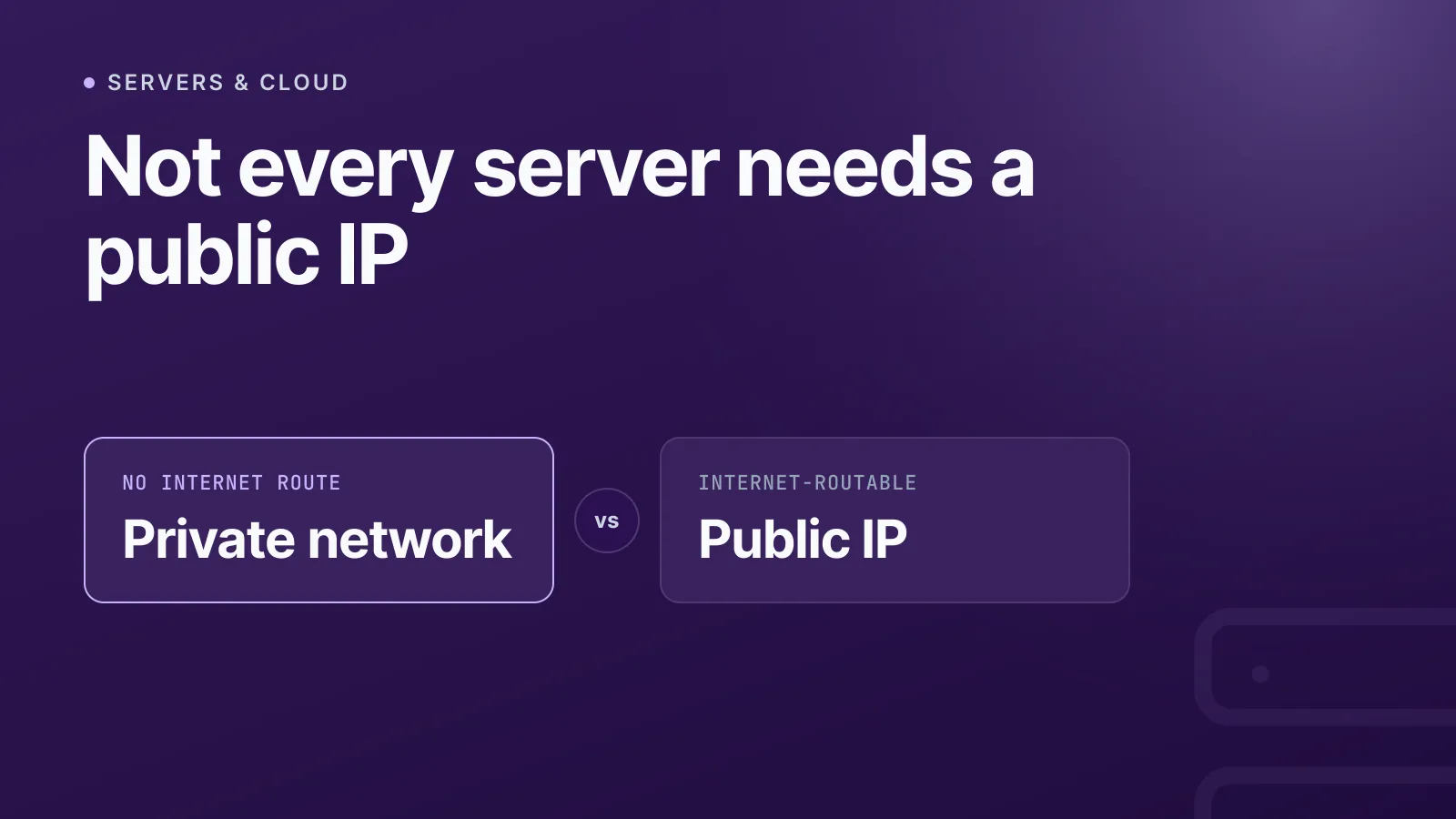
Put anything that doesn't need to accept connections from the open internet — a database, a cache, an internal API — on a private network, and reserve public IPs for the handful of services that actually have to be reachable from outside. That single rule eliminates most of the accidental exposure that shows up in breach reports. The harder part is knowing exactly where the line sits, because "private network" means something specific, not just "behind a firewall."
What actually makes an IP private
A public IP is globally unique and routable on the internet — any server, anywhere, can open a connection to it (firewall rules permitting). A private IP only has meaning inside one local network. It's drawn from address ranges set aside by RFC 1918 specifically so they're never handed out as public addresses:
| Range | Size | Typical use |
|---|---|---|
| 10.0.0.0/8 | ~16.7M addresses | Large VPCs, enterprise networks |
| 172.16.0.0/12 | ~1M addresses | Docker/container defaults, cloud VPCs |
| 192.168.0.0/16 | 65,536 addresses | Home routers, small office LANs |
Because these ranges aren't globally routed, thousands of unrelated networks can reuse the same 10.0.0.0/8 block without ever conflicting — that reuse is the whole point of RFC 1918, and it's why your home router and your company's VPC can both hand out 192.168.1.x without issue. A server with only a private address can still reach the internet outbound through NAT (network address translation, RFC 3022), but nothing on the internet can dial in to it directly. For the IPv6 side of this, see our IPv4 vs IPv6 explainer — IPv6's equivalent of RFC 1918 is Unique Local Addresses (fc00::/7), though IPv6's address space is large enough that most deployments skip NAT entirely.
When to put a database behind a private network
Put the database on a private-only address whenever the only clients that need to reach it are your own app servers. That's true for almost every standard web application:
- Reduced attack surface. A database with no public IP can't be port-scanned, brute-forced, or hit by an unpatched-CVE exploit from the open internet — the attacker has to compromise something on the private network first.
- No accidental exposure. A misconfigured security group on a public-facing database is one of the most common causes of real data breaches. Remove the public IP and that entire class of mistake becomes impossible, not just unlikely.
- Lower cost, same throughput. Database-to-app traffic inside the same cloud region, over private addressing, typically avoids the per-GB charges that apply to public or cross-region transfer.
- Simpler compliance story. Many frameworks (PCI DSS, SOC 2) ask you to justify why a data store is internet-facing. The easiest answer is that it isn't.
WarningCloud default VPCs sometimes auto-assign a public IP to every new instance, databases included. Always check the subnet's "auto-assign public IP" setting before launching a database, and confirm the security group doesn't allow 0.0.0.0/0 on the database port.
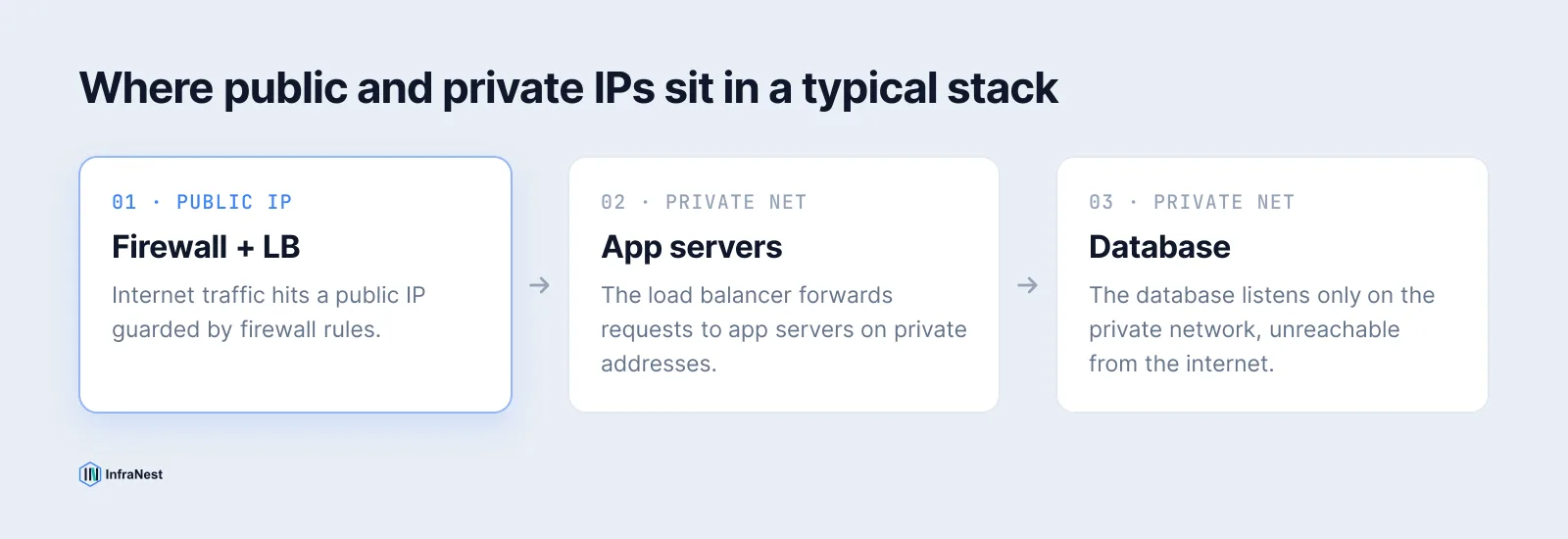
What still needs a public address
A private network isn't a replacement for a whole stack — something still has to face the internet. Keep public IPs on:
- Load balancers and reverse proxies — the single entry point that terminates TLS and forwards to private app servers. See what a load balancer actually does if you're deciding whether you need one yet.
- Mail servers — SMTP needs a public IP with correct reverse DNS so other mail servers will accept your traffic.
- VPN gateways and bastion/jump hosts — the one controlled door into an otherwise private network, usually locked down to a short allow-list of source IPs.
- Public APIs and CDN origins — anything a browser or external client connects to directly, as opposed to a backend service only your own app calls.
- DNS-facing services — nameservers and any record that resolves to a server the public is meant to reach.
Everything else — app servers that only the load balancer talks to, databases, internal queues, caches, metrics collectors — belongs on the private side.
A simple decision table
| Resource | Needs a public IP? | Why |
|---|---|---|
| Load balancer / reverse proxy | Yes | Entry point for all inbound traffic |
| App server behind a load balancer | No | Only the LB talks to it |
| Database (Postgres, MySQL, Mongo) | No | Only app servers query it |
| Redis / cache layer | No | Internal-only traffic |
| Mail (SMTP) server | Yes | Must accept connections from other MTAs |
| VPN / bastion host | Yes (restricted) | Controlled entry for admins |
| Internal admin dashboard | No (use VPN or bastion) | Not meant for public access |
How cloud providers handle this by default
Each major provider's virtual network product implements RFC 1918 addressing but with its own defaults and quirks. AWS auto-creates a default VPC per region (usually on 172.31.0.0/16) and lets you size custom VPC CIDRs from /16 down to /28. Azure doesn't force a default range but reserves five addresses in every subnet for its own networking services, shrinking the usable host count below the raw CIDR math. Google Cloud's "auto mode" VPCs pick RFC 1918 ranges per region automatically, while "custom mode" lets you define your own. None of this changes the underlying rule — private ranges aren't routed on the public internet regardless of which provider assigns them — but it does mean you should check the actual subnet size before assuming you have more headroom than you do. If you're choosing between providers in the first place, our Hetzner vs DigitalOcean vs AWS comparison covers how their networking and pricing differ.
Putting it together with firewalls
A private network and a firewall solve different problems and you need both. The private network makes a resource physically unreachable from outside; the firewall controls exactly which private addresses and ports can reach it internally. A database with no public IP but a security group open to the whole VPC is still over-exposed if an attacker compromises any other server on that network. Review your rules with cloud firewall rules explained and decide placement up front with when should you use cloud firewalls?
InfraNest's cloud servers let you provision instances with or without a public IP across providers from one dashboard, and the firewalls feature manages the inbound/outbound rules that actually enforce the boundary — worth a look if you're currently juggling security groups across two or three separate cloud consoles.
Frequently asked questions
#Can I reach a database on a private network from my laptop?
Not directly — you need a VPN, a bastion/jump host, or a tunnel that puts your laptop on the same private network, since the database has no public address to connect to.
#Does removing a public IP guarantee the database is secure?
No. It removes internet-facing exposure, but the database is still reachable by anything else on the private network, so firewall rules and authentication still matter.
#Is 100.64.0.0/10 the same as a private RFC 1918 range?
No. It's the Carrier-Grade NAT shared address space defined in RFC 6598 — not part of RFC 1918, though it behaves similarly in that it isn't publicly routable.
#Do I need NAT if I only use IPv6?
Usually not. IPv6's address space is large enough that most deployments give every device a globally unique address and rely on firewall rules rather than NAT for access control.
Try it with a free tool
Was this article helpful?