

A workspace is where all of your InfraNest resources — domains, servers, members, and billing — live. This article is for anyone who belongs to one or more workspaces and needs to switch between them or adjust workspace settings.
#Overview
- Everything you manage in InfraNest (domains, servers, team members, billing) belongs to a workspace.
- You can belong to more than one workspace at the same time.
- You can switch between workspaces or create a new one at any point.
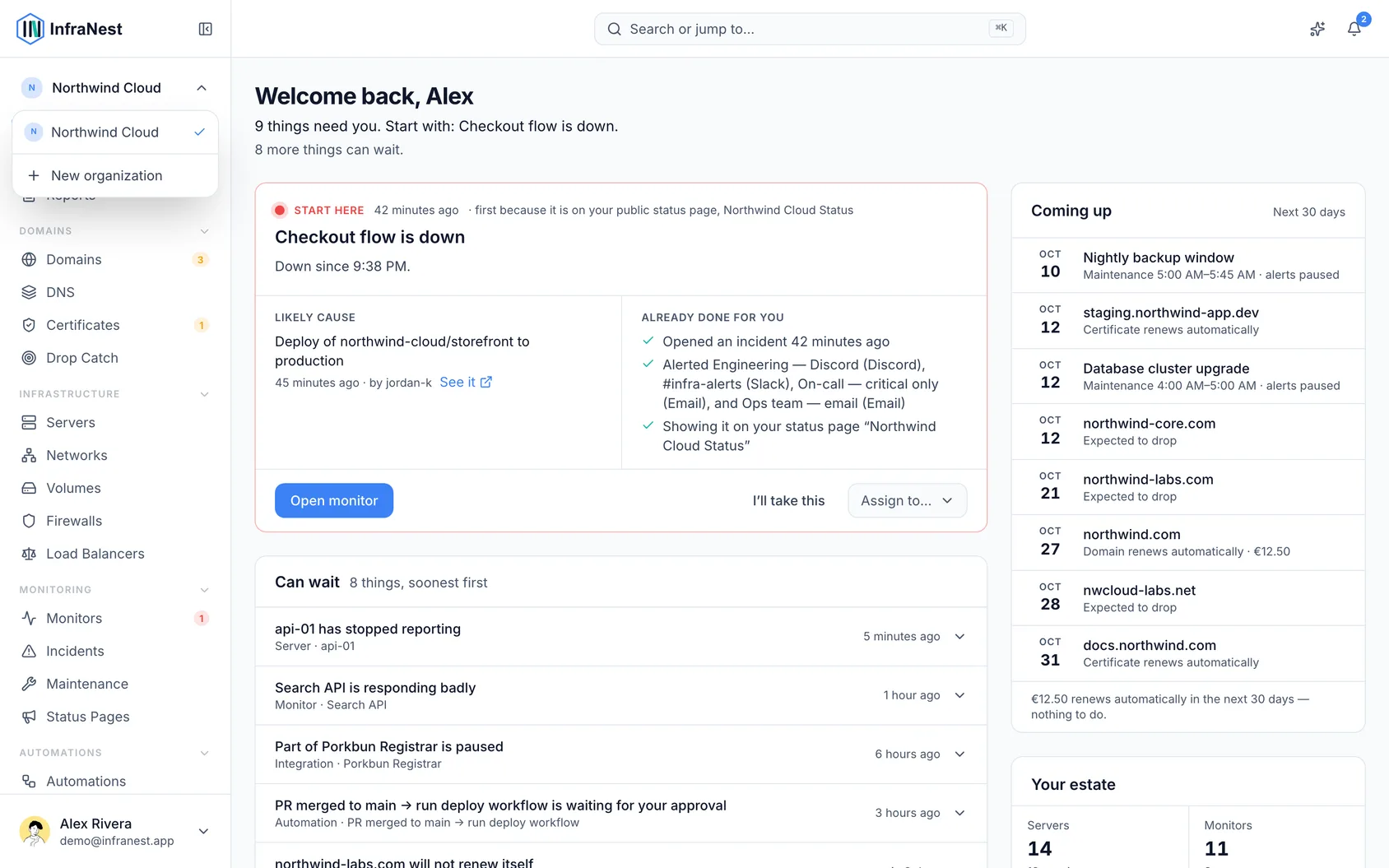
#Switch or create workspaces
- Open the workspace switcher.
- Select the workspace you want to move into from the list of workspaces you belong to.
- To create a new one, choose New workspace.
NoteThe number of workspaces you can create may be limited by your plan, shown as {used} of {limit} workspaces.
#Manage workspace settings
- Go to Settings.
- Update your workspace's name, slug, and avatar.
- Set the default notification policy for the workspace.
- Choose whether sensitive actions require re-authentication.
- Review your Dynamic IP defaults.
- Visit Billing to manage your plan and payment details.
- Select Save changes when you're done.
#Troubleshooting
- If creating a workspace doesn't go through, you'll see Failed to create workspace — check your connection and try again.
- If you see You have unsaved changes when leaving Settings, choose Save changes first, or Discard to drop your edits.
Was this article helpful?
Thanks for your feedback!
Thanks, this goes straight to the docs team.
Still stuck? Contact support
Related articles
WorkspaceBusinessPut your own brand on what we sendAlerts, summaries, reports and status-page updates can carry your logo, your colour and your name instead of ours — so the people you look after see your…DeveloperUse InfraNest from an AI assistantAsk an AI assistant such as Claude, Cursor or VS Code about your infrastructure, and it looks the answer up in InfraNest for you.DeveloperProAPI tokensInfraNest has a full REST API, so you can automate anything you can do in the app. You access it with an API token.History & dataAudit logThe audit log records everything that happens in your workspace, so you can always see who did what and when.