

Owning a workspace comes with control over billing, roles, and membership — this guide is for workspace owners who need to hand that role to someone else, share it, or step down.
#Overview
- An owner can manage billing and roles, make other members owners, and hand over or delete the workspace.
- A workspace can have more than one owner at a time, so you can share ownership instead of giving it up entirely.
- Only owners can see the controls described below.
NoteThe person you're transferring to must already be a member of the workspace. If they're not, invite them first under Settings → Members.
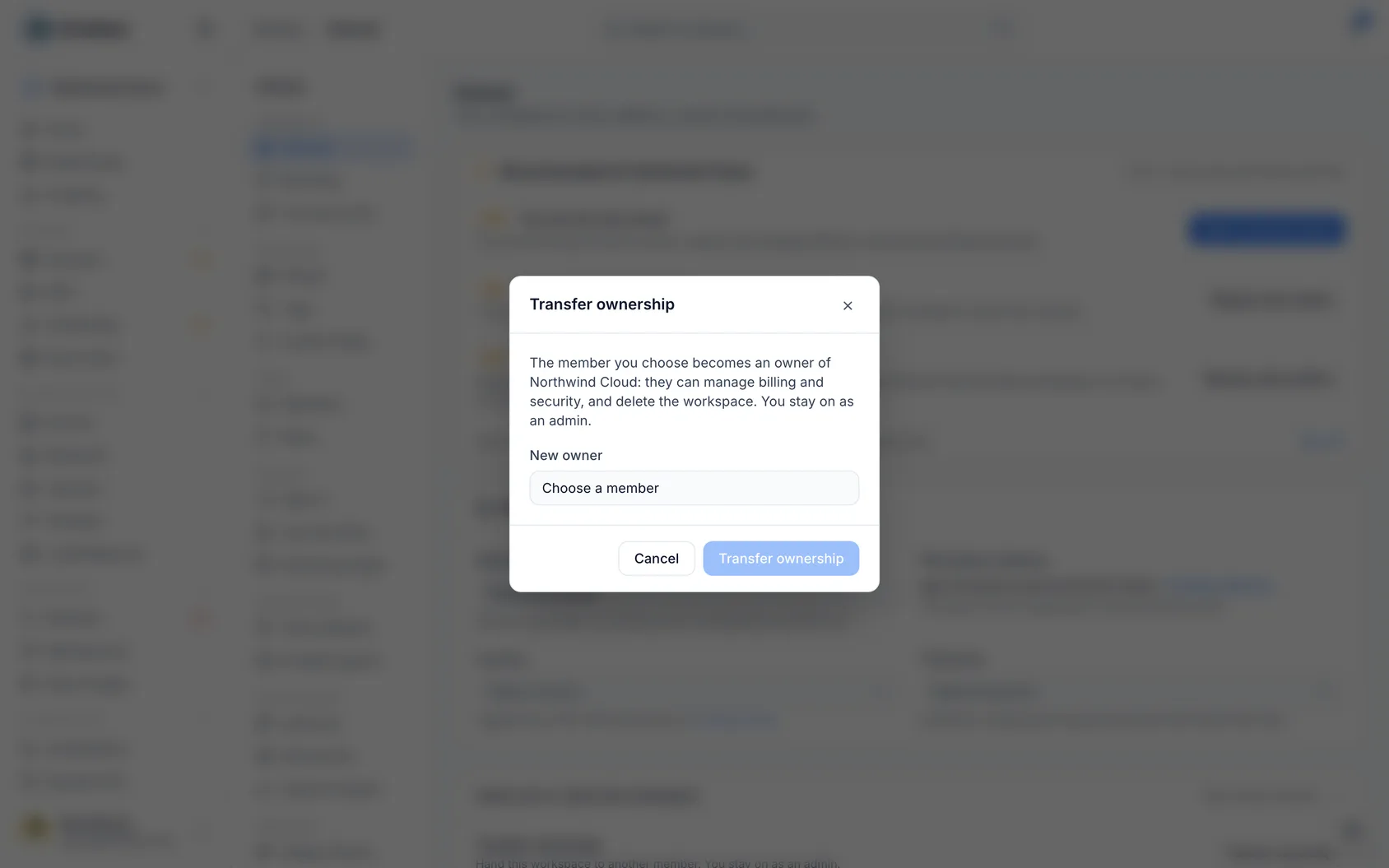
#Transfer ownership
- Go to Settings → General and open Hand over or close this workspace at the bottom. Only owners see it.
- Choose Transfer ownership.
- Under New owner, choose the member.
- Choose Make … the owner, and confirm it's you with your password or passkey.
The change is recorded in the Audit Log.
#Add a second owner instead
To share the workspace rather than hand it over, make another member an owner as well. You stay an owner.
- Go to Settings → Members.
- Open the ⋯ menu beside the member and choose Make owner. Only owners see it.
- Read what an owner can do, choose Make … an owner, and confirm it's you with your password or passkey.
The new owner gets an email and a notification saying so.
WarningAn external member can't be made an owner: an owner always signs in the way the workspace requires, so mark them as no longer external first.
#Step down to admin
An owner can move any owner, themselves included, down to admin, as long as another owner remains.
- Go to Settings → Members.
- Open the ⋯ menu beside the owner and choose Step down to admin (for yourself) or Move down to admin (for someone else).
- Confirm it's you.
The last owner can't step down: make someone else an owner first, or transfer ownership. Both changes are recorded in the Audit Log as a role change, and neither can be made with an API token.
#When you need it
- You are leaving the company — hand the workspace over before you go, so somebody can still manage billing and security.
- You are the only owner and want to leave the workspace — the only owner can't leave, so hand it over first.
- Your directory tries to remove you — single sign-on provisioning can't remove a workspace's owner. Transfer ownership in InfraNest first.
#Tips
A workspace with only one owner is a risk: if that account is lost, nobody can manage it. Recommended, at the top of Settings → General, says so to the owner, and its button opens Members, where Make owner is.
Was this article helpful?
Thanks for your feedback!
Thanks, this goes straight to the docs team.