

Reverse DNS (a PTR record) points a server's IP address back to a hostname. It's mainly useful for mail servers and for keeping logs clean and readable. This article is for anyone who needs to set or check this on their server.
#Overview
- A PTR record maps an IP address to a hostname — the opposite of a normal DNS lookup.
- Mail servers in particular rely on reverse DNS to avoid being flagged as spam.
- InfraNest lets you view and edit reverse DNS directly from the server, without needing to visit your provider's own dashboard.
#Set reverse DNS
- Open the server and go to its Networking tab (or open the Primary IPs page).
- Set the Edit reverse DNS value for the address:
- For a single IP address, this is a one-field edit under PTR record.
- For an IPv6 block, you'll see the existing records along with an option to add a new record, pre-filled with the next free address.
- For providers that assign several separate addresses, each one can be edited on its own.
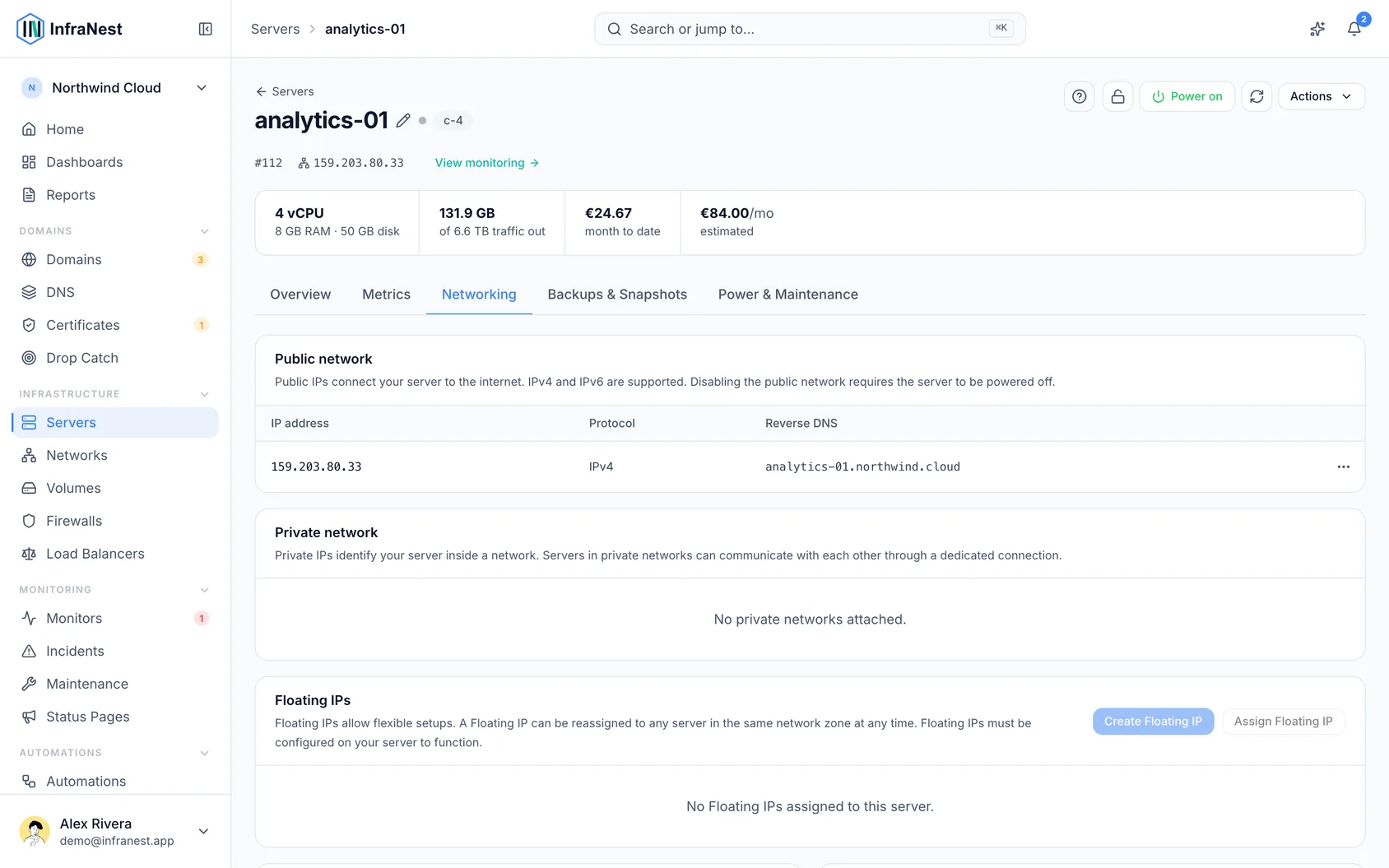
- Select Save to apply your change.
NoteInfraNest checks that the address you're setting is within the server's assigned range before applying the change at the provider.
#Tips
TipIf you run a mail server, set up reverse DNS as early as possible — some mail providers reject messages from servers with no PTR record, or one that doesn't match the sending domain.
Was this article helpful?
Thanks for your feedback!
Thanks, this goes straight to the docs team.
Still stuck? Contact support
Related articles
ServersAbout cloud serversInfraNest brings your cloud servers — and the firewalls, volumes, networks and load balancers around them — into one place, so you can run and secure them…ServersAdd a server you already haveNot every server lives in a cloud account. You might have your own hardware in an office or a rack, or a machine at a provider InfraNest does not connect to…ServersCreate a serverProvision a new cloud server through one of your connected providers, without leaving InfraNest.ServersIP addressesThe fixed IP addresses your provider has reserved for you, which server each one currently points at, and what you are paying for the ones pointing at nothing.