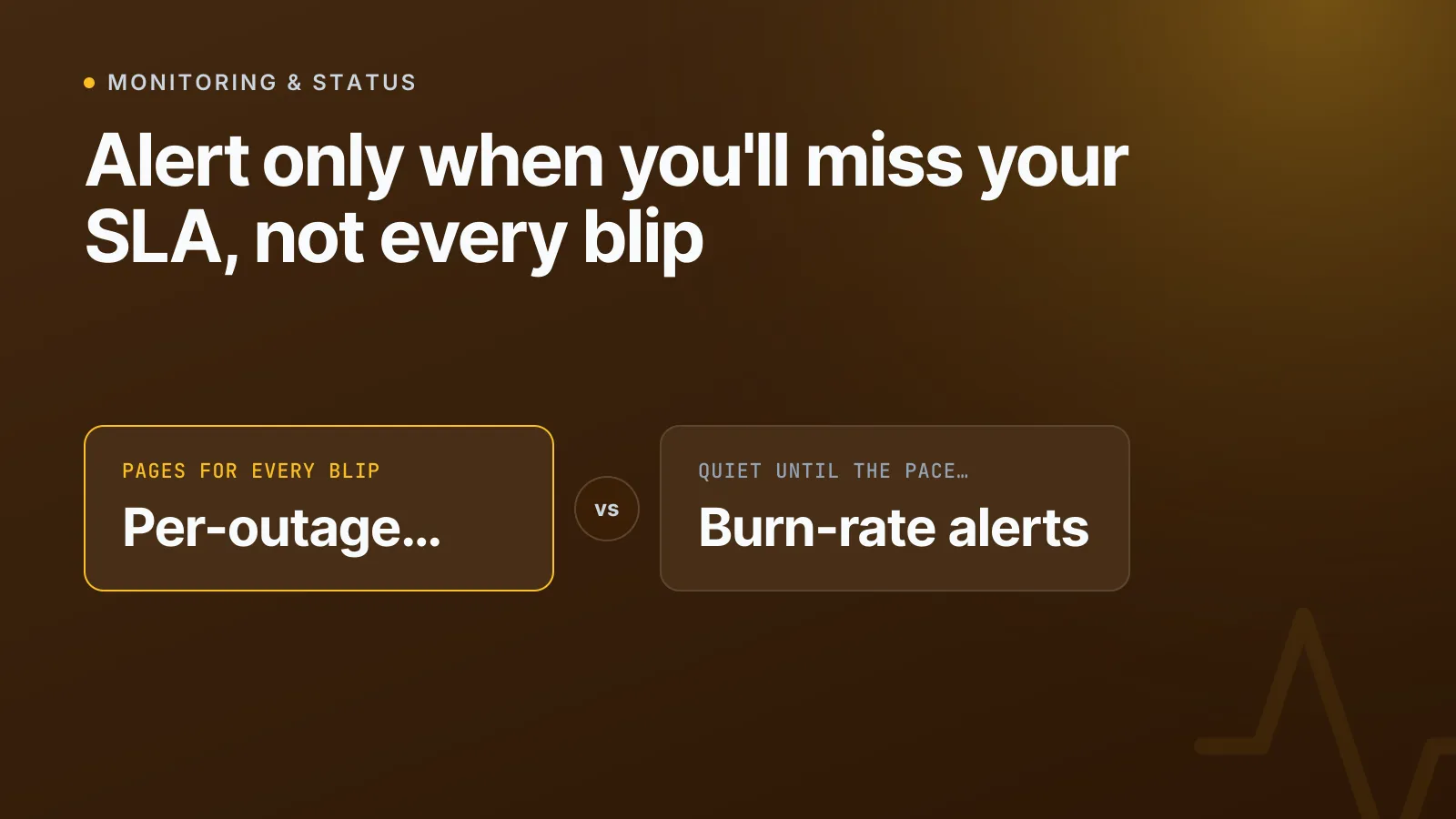
Most teams alert on every outage, no matter how short. The fix is to set an uptime target once (like 99.9%) and alert only when the month's downtime allowance is being spent fast enough to miss it — so a two-minute blip stays silent and a slow, repeated drain gets caught before the month ends.
This is the idea behind SLA burn-rate alerting, a practice formalised by Google's SRE team and now built directly into InfraNest's monitoring and status pages. Here's how to set it up properly, whatever tool you use.
What's the difference between an SLA, SLO and SLI?
These three terms get used interchangeably, but they mean different things — and there's no RFC that defines any of them. They come from ITIL and were popularised for engineering teams by Google's SRE Book.
- SLI (Service Level Indicator) — the actual measurement, like "percentage of successful checks" or "request latency".
- SLO (Service Level Objective) — your internal target for that SLI, e.g. "99.95% uptime this month". This is usually stricter than what you promise externally, so you have room to notice problems before a customer does.
- SLA (Service Level Agreement) — the SLO plus a consequence: a service credit, a penalty clause, a contractual commitment. This is the number in the contract your client actually cares about.
In practice, most teams just pick one number — say 99.9% — and use it for all three. That's fine for a small team. What matters more than the label is how you act on it.
How much downtime does an SLA target actually allow?
This is the part people underestimate. A 99.9% target sounds strict until you translate it into minutes:
| Target | Downtime allowed per year | Downtime allowed per 30-day month |
|---|---|---|
| 99% | ~3.65 days | ~7.2 hours |
| 99.9% | ~8.76 hours | ~43.2 minutes |
| 99.95% | ~4.38 hours | ~21.6 minutes |
| 99.99% | ~52.6 minutes | ~4.3 minutes |
| 99.999% | ~5.26 minutes | ~26 seconds |
Once you see the numbers this way, two things become obvious. First, 99.9% is a reasonable default for most web apps — it's generous enough to survive a bad deploy without panic, strict enough to mean something. Second, a single two-minute outage barely dents a 99.9% monthly budget, but three or four of them in a week can eat the whole month's allowance before the 15th. You can check what any target means in minutes with our free uptime calculator.
Why alerting on every outage is the wrong default
SLA remedies — credits, penalties, breach notices — are almost always measured over a full month, not a single incident. That's the whole justification for burn-rate alerting over simple "it's down, alert now" rules: you want to know whether the month is on track, not whether any individual check failed.
Alerting on every outage produces two failure modes:
- Alert fatigue. A flaky upstream dependency that recovers in 90 seconds still pages someone at 3am. After a few weeks, the team starts ignoring the channel.
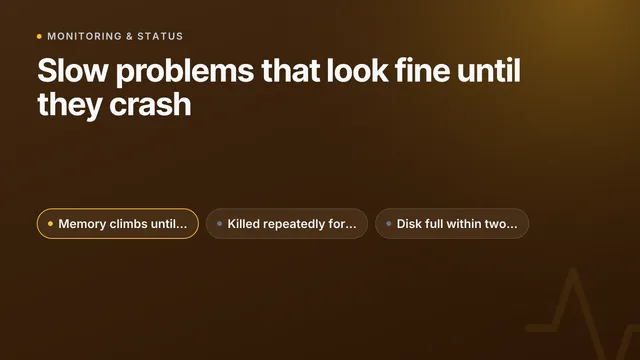
- Missed slow drains. A service that goes down for a minute every few hours never looks urgent in the moment. Nobody gets paged for any single blip, but by the 20th of the month you've already blown the SLA and nobody noticed until the client's monthly report said so.
Both problems have the same root cause: alerting on the event instead of on the trend.
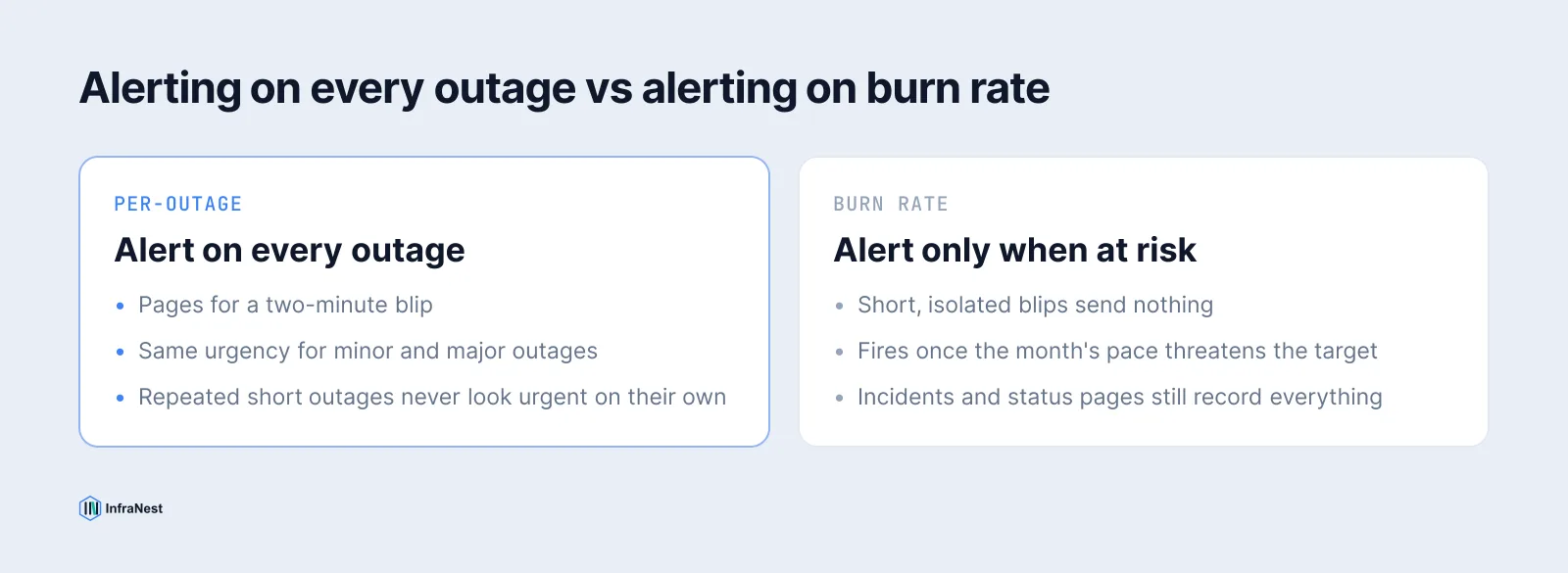
Alert on burn rate, not on blips
The approach Google documents in the SRE Workbook is to alert on burn rate — how fast you're consuming your error budget relative to the rate that would exactly exhaust it by the end of the window. A short, isolated blip barely moves the burn rate. A pattern of repeated short outages, or one long one, moves it fast — and that's what should wake someone up.
The practical version, without building your own burn-rate math:
- Set the uptime percentage you actually promise (in writing or informally) as the target on the monitor or service.
- Track downtime used against the monthly allowance as the month progresses, not just at the end.
- Alert only when the pace of usage threatens the end-of-month figure — not on every individual failure.
- Keep incidents, status pages and automations running as normal; it's only the per-outage alert that should go quiet.
How InfraNest does this
Uptime targets let you set the percentage you promise — 99%, 99.9%, 99.95%, 99.99%, or any custom value from 90% to 99.999% — on a monitor or on a status page. The monitor page then shows the calendar month's downtime allowance as three numbers: Allowed, Used, and Left, plus one sentence that says where the month is heading at its current pace, for example "At this rate shop.example.com misses 99.9% around 18 November."
For alerting, each monitor with a target has a choice under How this monitor alerts:
| Mode | What happens |
|---|---|
| On every outage | An alert each time the monitor goes down and comes back — the old default |
| Only when the target is at risk | No alert per outage; one alert when the allowance is burning fast enough to miss the target, and one more if it runs out |
With the second mode, a two-minute blip in an otherwise healthy month sends nothing. A site dropping for a minute every few hours still gets caught, because the allowance used starts outpacing what the month can absorb — and that's exactly when the alert fires. Once a warning has gone out, every outage alerts again for the rest of that month; on the 1st, it quietly resets to "only when at risk". Incidents still open, your status page still records the outage, and automations still run — only the noisy per-outage ping is removed.
At month end, the uptime report, its CSV export, and the monthly email all show each target as met or missed, so there's no ambiguity when a client asks. Status pages that publish a target now also say their uptime figure is weighted by impact, rather than treating a one-minute blip the same as a one-hour outage.
TipSet your internal SLO stricter than the SLA you've promised a client. If you've committed to 99.9% in a contract, track 99.95% internally — the gap gives you room to catch problems before they become a breach.
Setting it up
On a monitor: open it, find the uptime target card, click Set a target, pick a percentage, and choose how it alerts. On a status page: open Settings → Appearance and pick a target under the uptime switches, then decide whether to show it to visitors. Routing — who hears the warning and where — is controlled the same way as any other alert, through destinations like Slack, PagerDuty or email.
WarningPlanned maintenance windows don't count against the allowance, and neither does paused monitoring time — only confirmed outages that opened an incident are counted, so the figure matches what your client actually experienced.
If you're still deciding how often to check things in the first place, our guide on how often you should monitor your website covers the trade-off between check frequency and false positives, which feeds directly into how clean your burn-rate numbers end up being.
Set a target on your most important monitor, switch its alerting to "only when at risk", and see how much quieter next month is — start with monitoring.
Frequently asked questions
#What's the practical difference between an SLA, an SLO and an SLI?
An SLI is the raw measurement (like percentage of successful checks), an SLO is your internal target for that measurement, and an SLA is the SLO plus a contractual consequence, like a service credit, if you miss it. Most small teams use one number for all three, which is fine as long as the alerting is set up around it.
#How much downtime does a 99.9% SLA actually allow per month?
About 43.2 minutes in a 30-day month and 44.6 minutes in a 31-day month. You can check any target's allowance in minutes with the free uptime calculator.
#What happens after a burn-rate warning alert fires?
Every outage alerts normally for the rest of that calendar month, since the quiet period was meant for healthy months. On the 1st of the next month, alerting resets to only firing when the new allowance is at risk again.
#Can I set an uptime target on a status page as well as a single monitor?
Yes. A status page target is measured as the average across that page's monitors, using the same basis as the page's own uptime figure and its monthly report, rather than holding any single monitor to the promise on its own.
Try it with a free tool
Was this article helpful?