A good incident summary answers five questions: what broke, how long it lasted, what happened and when, why it happened, and what changes to stop it recurring. Write it the same day you close the incident, not three weeks later — by then nobody remembers which deploy went out first, and a summary nobody reads while it's fresh teaches your team nothing.
An incident summary is different from the customer-facing update on your status page. It's an internal record, usually written once the incident is resolved, meant for the next engineer who gets paged for something that looks similar. Get the structure right and it becomes a reference. Get it wrong — vague, blame-shaped, or never written at all — and the same outage happens again in six months with nobody remembering it happened the first time.
What is an incident summary, and why bother writing one?
"Lessons learned" is literally a named phase in NIST's incident handling guidance (SP 800-61): you don't just fix the problem, you record what you'd do differently. Google's SRE book has an entire chapter on postmortem culture built around the same idea — the summary is the mechanism by which an outage turns into an improvement instead of just a bad afternoon.
The habit that makes this work is writing blamelessly — a term that traces back to John Allspaw's work at Etsy. The summary describes what the system did and why the circumstances made that reasonable, not who to blame. People hide information when they expect to be blamed for it, which is exactly the information a useful incident summary needs.
What should a good incident summary include?
At minimum, a usable incident summary covers:
| Section | What it answers |
|---|---|
| Impact | What was affected, and who noticed |
| Duration | When it started, when it was detected, when it was resolved |
| Timeline | The key moments in order — deploy, alert, acknowledgement, fix |
| Likely cause | The most probable explanation, with evidence |
| Contributing changes | What changed shortly before — a deploy, a DNS edit, a config push |
| What we change | The concrete follow-up actions, each with an owner |
Severity labels like SEV1–SEV4 are useful shorthand for how urgently something needs a summary, but there's no RFC or industry standard defining them — every team's SEV2 means something slightly different, so don't assume a label alone communicates impact to someone outside your team.
TipWrite the "what changed" section before you write the cause. In most outages the cause is a recent change — a deploy, a certificate renewal that failed quietly, a firewall rule, an expired DNS record. Looking there first saves you from guessing.
Team notes vs customer-facing updates — don't mix them up
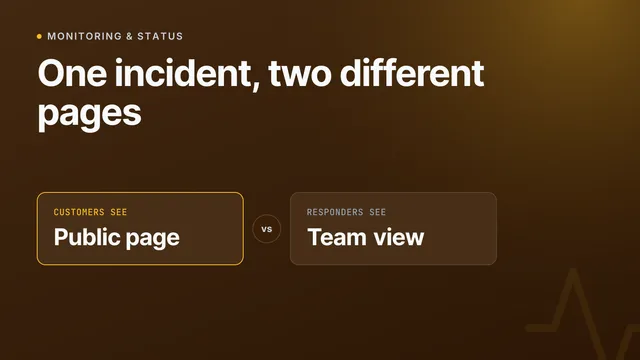
An incident summary and a status page update serve different readers and should never be the same document. A team note can say "restarting the database, back in 5" and stay internal. A status page update needs to be shorter, plainer, and free of internal detail your customers don't need — what's affected, roughly when it'll be fixed, nothing more.
Keep the two separate and you avoid the common failure mode: either the public update reads like an internal debug log, or the internal summary is so sanitised for customers that your own team can't learn anything from it.
A copy-pasteable incident summary template
Use this as a starting structure — strip anything that doesn't apply:
## Incident: Checkout API returning 500s

**Impact:** Checkout failed for ~18% of requests
**Duration:** 14:02–14:31 UTC (29 minutes)
**Detected by:** Automated monitoring, 2 minutes after start

### Timeline
- 13:58 — Deploy of api-gateway v2.14 to production
- 14:02 — Error rate alert fires
- 14:04 — On-call acknowledges
- 14:09 — Deploy identified as likely cause
- 14:14 — Rollback started
- 14:31 — Error rate back to baseline

### Likely cause
The v2.14 deploy changed a connection pool default, exhausting
database connections under peak load.

### What we change
- [ ] Add a connection-pool size alert before it's exhausted
- [ ] Add a canary stage before full rollout for api-gateway
- [ ] Document the rollback command in the runbook
That structure maps closely to what a status page incident link already shows a reader: what's affected, since when, and every update posted — see what a good status page says during an incident if you haven't written customer-facing updates before.
Why incident summaries often don't get written
The honest reason most teams skip this step isn't laziness — it's the blank page. By the time an incident is resolved, everyone wants to move on, and reconstructing a timeline from Slack scrollback and alert history is tedious enough that it gets postponed indefinitely, and then forgotten.
How InfraNest drafts the incident summary for you
InfraNest's monitoring already recorded the timeline while the incident was happening — when it opened, which deploy or DNS change landed just before, when it was acknowledged, when it recovered. The summary doesn't need to be reconstructed from memory because the data was captured as it happened.
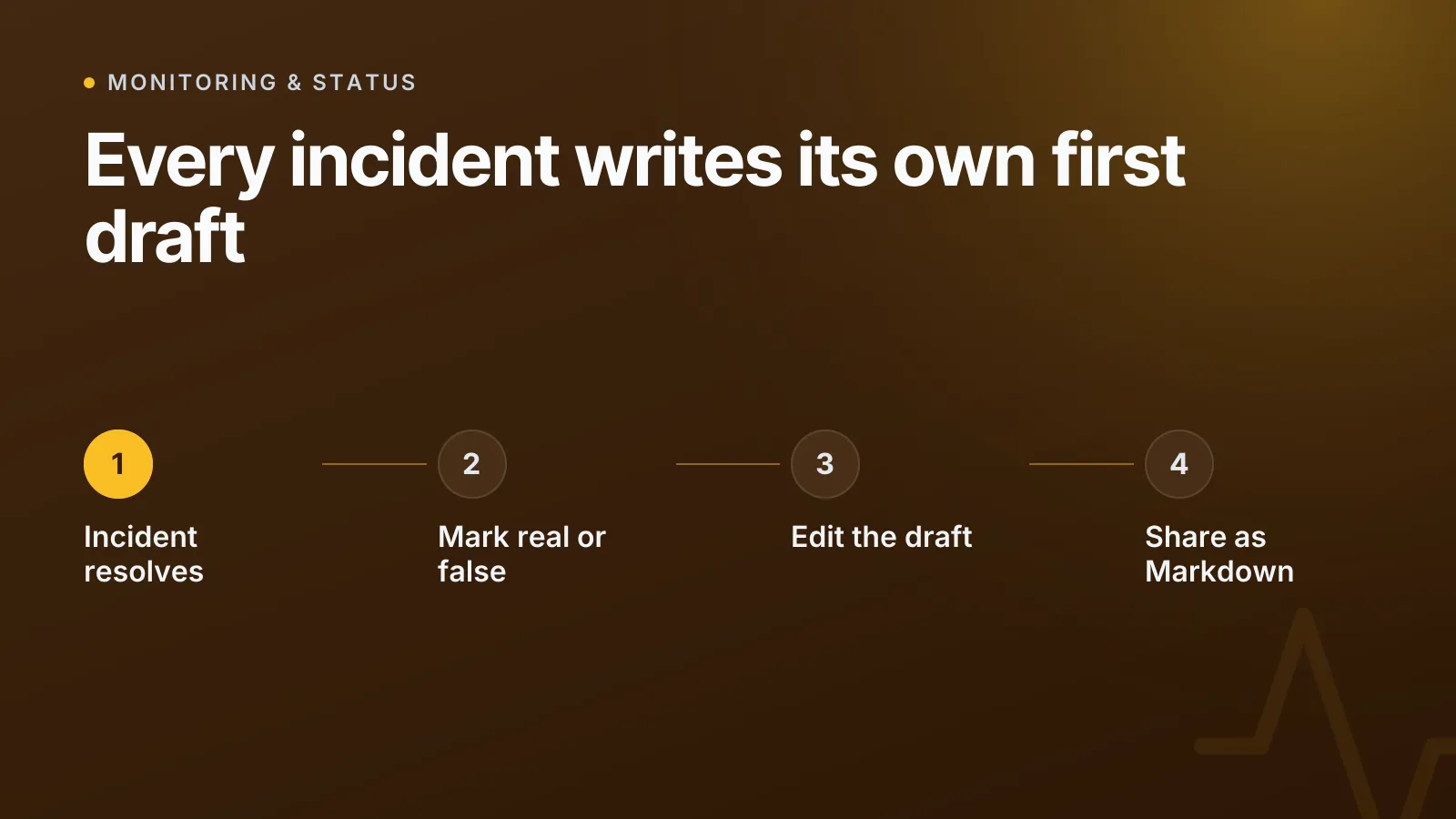
Once an incident is resolved, one click answers "Was it a real problem?" — real, a false alarm, or expected — with an optional cause. That answer matters beyond record-keeping: a monitor that keeps raising false alarms gets offered the setting that would fix it under Watch better, and the suggestion for monitors that flap up and down never hides an outage you've marked as real.
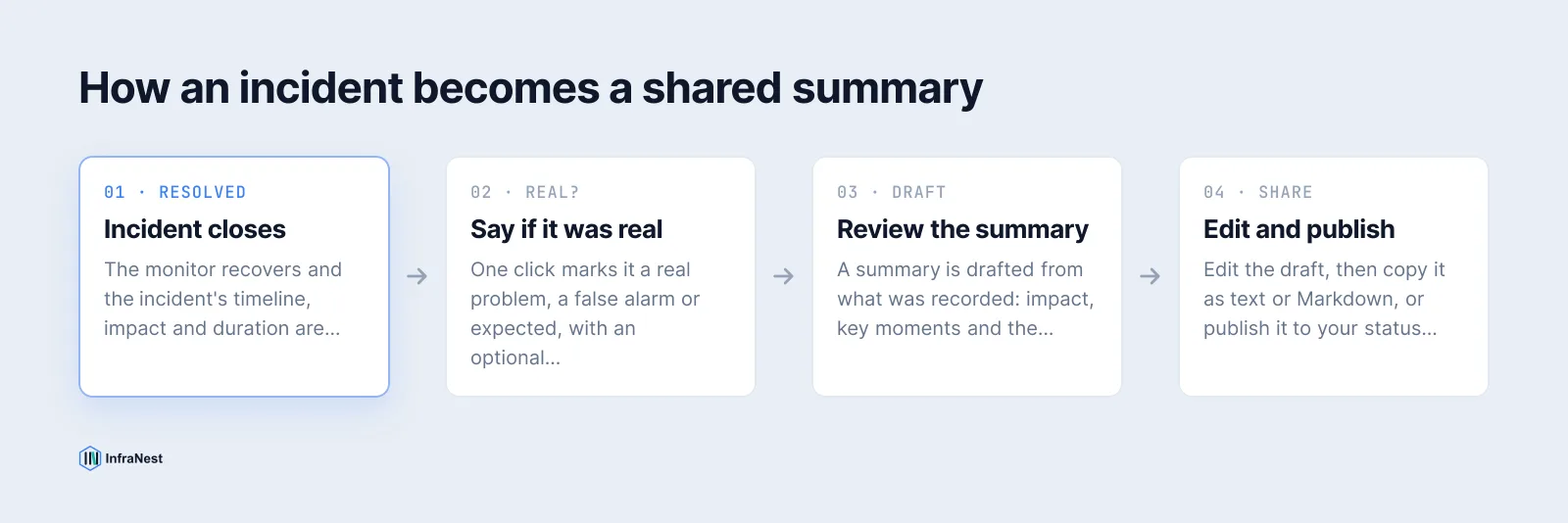
Each resolved incident also gets a summary drafted from what was recorded — what was affected and for how long, the key moments, the likely cause, and the changes made right before it started. You edit it, save it, and copy it out as plain text or Markdown, ready to paste into a tracker ticket, a wiki page, or a team channel. The full review flow goes further: fill in why it happened (or draft that part too, if you've connected it), list what you'll change line by line, and publish the review straight to your status page, docs tool, Confluence, Notion or Linear — see the incidents documentation for the exact steps. If you'd rather turn the follow-up actions into tracked work immediately, you can also read about opening Jira or Linear issues straight from infrastructure events.
Keep the language blameless
A summary that reads "Dave pushed a bad config" teaches nothing and discourages the next person from being honest about a similar mistake. A summary that reads "the deploy pipeline had no check that would have caught this config error" points at something you can actually fix. Describe the conditions that made the mistake possible, not the person who made it.
WarningDon't reserve summaries for the big outages only. A two-minute blip that nobody noticed is often the early version of next month's real incident — the pattern only shows up if someone logged the small ones too.
Writing a short, honest incident summary while the details are still fresh is the cheapest insurance your infrastructure has. Start by checking what your monitoring already caught the next time something breaks, and let the first draft write itself.
Frequently asked questions
#Do I need a full written review for every incident?
No — save the detailed "why it happened" writeup for incidents with real impact, and just log impact, duration and a likely cause for minor ones so the data is there if a pattern shows up later.
#Who should actually read an incident summary?
Anyone who could get paged for something similar: the on-call rotation, the service owner, and their team lead — not just the person who happened to fix it this time.
#What's the difference between an incident summary and a status page update?
A status page update is short, public, and written for customers while the incident is live. An incident summary is internal, written after resolution, and includes the timeline and cause a customer update deliberately leaves out.
#Should an incident summary name the person who caused the problem?
No. Blameless postmortem writing focuses on the conditions that allowed the mistake — a missing check, an unclear runbook, no canary stage — rather than the individual, because that's what you can actually fix.
Try it with a free tool
Was this article helpful?