

Learn how InfraNest's Security Advisor checks your domain's DNS and email settings, and what to do when it flags a problem. This is for anyone managing a domain who wants to make sure mail delivery and certificates stay secure.
#Overview
- The Security Advisor checks the DNS records that matter for email delivery and security.
- It reads your domain's live DNS, so results are accurate no matter who manages the records.
- Each zone's overall security status also shows in the zone list, so you can scan your whole portfolio at a glance.
#Run the advisor
- Open a zone from the DNS page.
- Look at the Security Advisor. Each check shows a clear status and a plain explanation of why it matters.
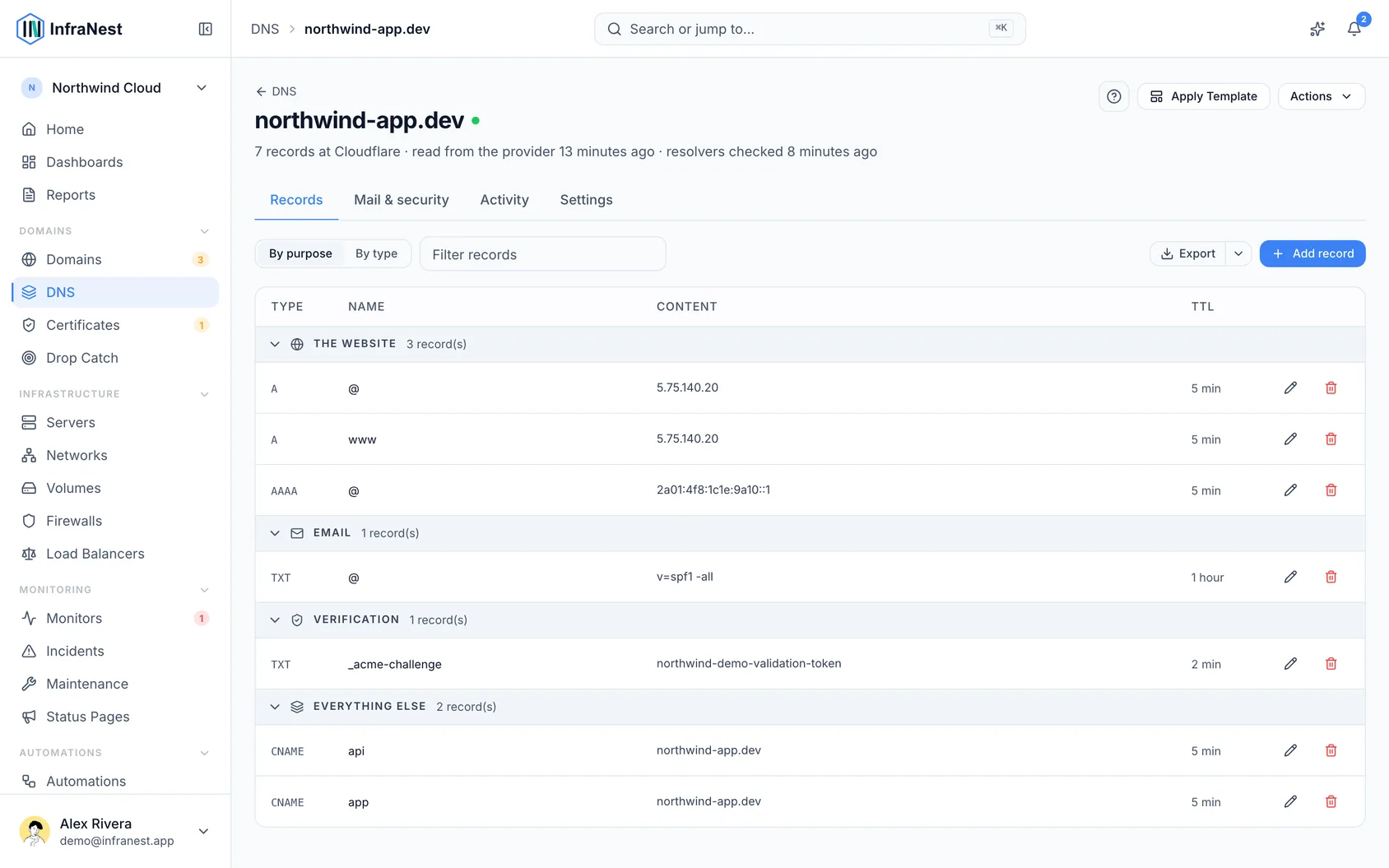
#What it checks
- SPF — the sender policy that stops your domain being used to spoof email.
- DMARC — tells receiving mail servers what to do with unauthenticated mail.
- DKIM — checks for DKIM email signing.
- MX — whether mail is actually set up for the domain.
- DNSSEC — whether the zone is cryptographically signed against tampering.
- CAA — which certificate authorities are allowed to issue certificates for the domain.
- Takeover — a record that hands your name to someone else. Two kinds are flagged as errors: a record pointing at the address of a server you deleted, and a CNAME pointing at a service (Azure, GitHub Pages, Amazon S3 and others) that no longer has anything under that name. In the second case anyone can sign up at that service, claim the name and show their own site at your address. The row shows Point it elsewhere if the site moved, and Remove the record if you no longer use it — nothing is changed until you choose.
For zones hosted at Cloudflare it also checks settings that are not records at all — SSL mode, minimum TLS version, the HTTPS redirect, HSTS and development mode. The most common of those, an SSL mode set to Flexible, means visitors see a padlock while the traffic behind it is unencrypted.
To fix SPF and DMARC in one step, or to lock down a domain that sends no mail, see Protect email from your domain.
NoteThe CAA check works together with your SSL certificates (it controls who can issue them), and the SPF/DMARC/DKIM/MX checks protect your email deliverability.
Was this article helpful?
Thanks for your feedback!
Thanks, this goes straight to the docs team.